Giving a degoogled phone as a gift: parent, teen or beginner
Which degoogled phone to give this Christmas: preinstalled phones for a parent, a budget Pixel for a teen, the Pixel 9a for a beginner, and how to set it up.
For someone who won’t install anything, give a phone that arrives with the private system already on it. For everyone else, the best-value gift is an unlocked Pixel 9a that you set up with GrapheneOS before you wrap it.
The right phone depends on who opens the box, so this gift guide goes person by person: a parent, a teen, a beginner and the enthusiast. Facts were checked on November 24, 2026 against the makers’ and the OS projects’ own pages; we haven’t tested these phones in hand. Phones sold on Amazon show a price band because Amazon prices move daily, and maker-shop phones show the maker’s list price.
Which degoogled phone for which person
| Who it’s for | Phone | Private system | Setup | Updates until | Price |
|---|---|---|---|---|---|
| A parent in the US | Above Phone | GrapheneOS, preinstalled | None, plus a 45-minute support call | Set by the Pixel model | From $699 |
| A parent in Europe | NitroPhone | GrapheneOS, preinstalled | None | April or August 2032, by model | From €599 |
| Someone who wants the gentlest switch | Murena Fairphone (Gen. 6) | /e/OS, preinstalled | None | 2033 | $650 |
| A low-cost phone that’s private out of the box | BraX3 | iodéOS, preinstalled | None | Not stated by the maker | $379 |
| A teen or student | Pixel 7a, renewed | GrapheneOS, you install | About 20 minutes | May 2028 | $200–$400 |
| A beginner | Pixel 9a | GrapheneOS, you install | About 20 minutes | April 2032 | $400–$600 |
| Someone who wants a small phone | Pixel 8a | GrapheneOS, you install | About 20 minutes | May 2031 | $400–$600 |
| The enthusiast | Pixel 10 Pro | GrapheneOS, you install | About 20 minutes | August 2032 | $800–$1,000 |
For a parent or anyone non-technical
Give a phone that needs no computer and no cable. Three kinds exist, and the choice mostly comes down to where the person lives and which carrier they use.
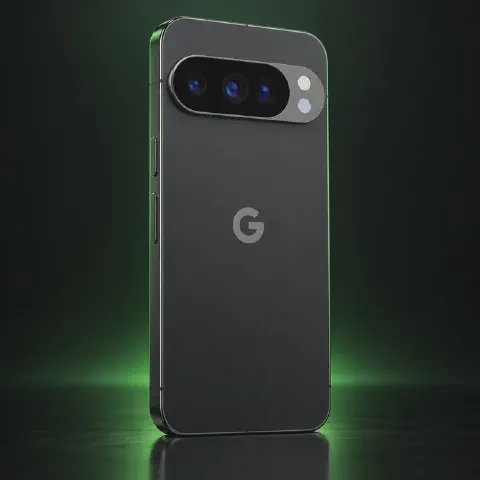
A Pixel with GrapheneOS set up before delivery, with a 45-minute call with a support engineer included. US-based.
Above Phone sells Pixels with GrapheneOS already installed and includes a free 45-minute call with a support engineer plus email and chat support. That call is the reason it suits a parent: there’s a person to ask who isn’t you. It costs more than buying the same Pixel and installing GrapheneOS yourself. In Europe, Nitrokey’s NitroPhone is the same idea; its shop showed every model as “by inquiry only” when we checked in October, so ask about availability before you count on it.
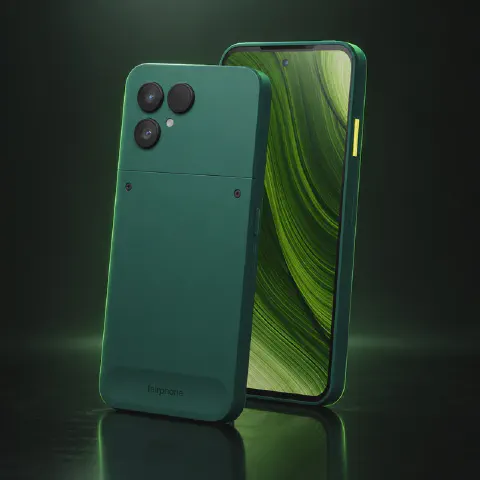
/e/OS preinstalled, a repairable design and updates to 2033. The US version is for T-Mobile and its MVNOs.
The Murena Fairphone (Gen. 6) ships with /e/OS, which we call the gentlest way off Google because most Android apps keep working through microG. We score it 8/10 for privacy against 10/10 for GrapheneOS. Check the carrier first: Murena recommends the US version for T-Mobile and T-Mobile-based carriers only and says it isn’t compatible with Verizon.
The BraX3 is the low-cost option at $379, with iodéOS preinstalled. It has no Verizon bands and most AT&T-based carriers aren’t approved yet, so it fits T-Mobile-based carriers, Canada and Europe.
For a teen or a student
Budget matters most here, and so does how long the phone will get updates.
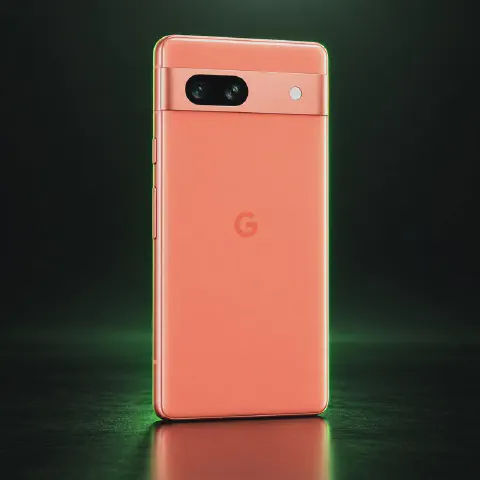
Renewed, in the $200–$400 band, with GrapheneOS support and updates to May 2028.
A renewed Pixel 7a runs GrapheneOS and sits in the lowest price band we’d recommend for a phone someone will use every day. Its updates end in May 2028, about a year and a half from now. If you can stretch to the Pixel 9a below, support runs four years longer.
Get the next guide in your inbox
One email a week: new degoogling guides, OS and device-support news that matters, and one privacy fix you can do in five minutes. No tracking pixels.
Two honest notes. Renewed phones vary in battery wear, and the listing must say “unlocked.” And this site doesn’t cover parental-control apps, so if you rely on one, check that it works without Google services before you switch the phone over.
For a beginner who’s curious
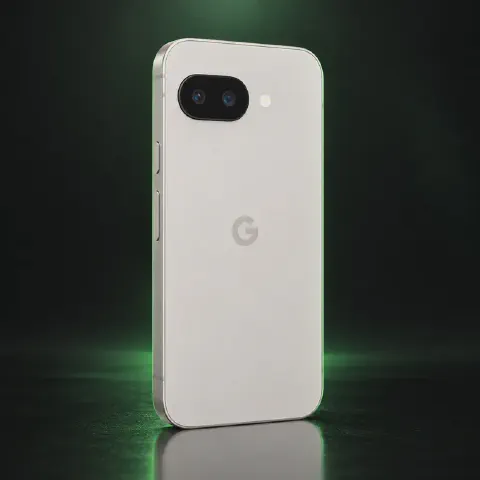
Updates to April 2032, a nano-SIM slot plus eSIM, and a wider choice of private systems than the Pixel 10.
The Pixel 9a is the phone to give a beginner. It gets updates until April 2032, and its nano-SIM slot means the SIM card moves straight over from the old phone. It also runs CalyxOS, iodéOS and LineageOS, so the person can change system later without changing phone. If they find the 9a too big, the Pixel 8a is the compact one, with updates to May 2031.
For the enthusiast
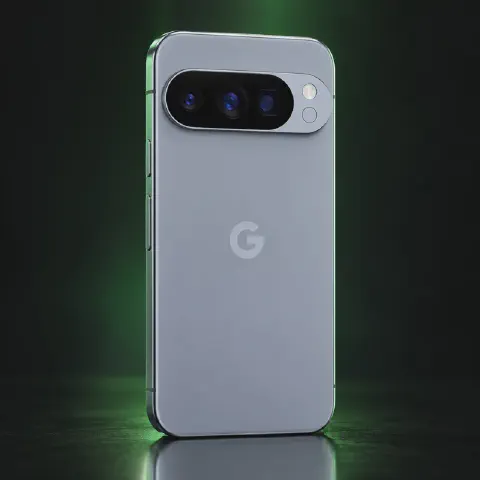
The best camera you can run GrapheneOS on, 16 GB of RAM and updates to August 2032. US units are eSIM-only.
The Pixel 10 Pro is the gift for someone who already knows what GrapheneOS is and wants the best hardware for it. The US model has no SIM tray. Existing eSIMs keep working on GrapheneOS, and the Pixel 10 Pro eSIM notes explain what adding a new one involves.
Maker-direct phones such as the Jolla C2 with Sailfish OS and the modular SHIFTphone 8 are tempting for this person, but our catalog lists delivery times of several weeks for both. Order one only if a card under the tree is an acceptable stand-in.
Before you wrap it: set the phone up
If you’re giving a bare Pixel, install the system yourself first. It takes about 20 minutes and tells you, while the return window is still open, whether the phone can be unlocked at all.
- Check the listing says unlocked and names Google, not a carrier. Carrier Pixels, Verizon’s in particular, often block the bootloader unlock.
- Turn the phone on, connect to Wi-Fi and install any system update. Skip the Google sign-in; the install wipes the phone anyway.
- Turn on OEM unlocking under Developer options. If the switch stays greyed out after the phone has been online, it may be a carrier unit, and it should go back.
- Run the official web installer from a computer, following our screen-by-screen GrapheneOS install guide. Use a USB-C cable that carries data.
- Leave the screen lock for the new owner to set, and power the phone off before it goes in the box.
A phone that arrives preinstalled skips all five steps.
What to tell them on the day
A degoogled phone behaves a little differently, and it’s kinder to say so up front.
- Apps come from F-Droid, Aurora Store or Obtainium. Our Google app alternatives by category list what replaces Gmail, Maps, Photos and the rest.
- Most banking apps work. On GrapheneOS you can install Google Play in a sandbox for the apps that insist on it. Test the bank’s app in the first week.
- Google Wallet tap-to-pay doesn’t run. A physical card still does.
- The GrapheneOS overview and the /e/OS overview list what breaks and what still works on each system.
If a phone is more than you want to spend, our privacy gifts sorted by budget start under $50.
FAQ
What is the best degoogled phone to give a parent?
One that arrives with the private system installed. In the US, Above Phone sells Pixels with GrapheneOS and includes a 45-minute support call. The Murena Fairphone (Gen. 6) with /e/OS is the gentler switch if the person is on T-Mobile or a T-Mobile-based carrier.
Which degoogled phone suits a teen?
A renewed Pixel 7a is the budget choice, with GrapheneOS support and updates to May 2028. The Pixel 9a costs more and is supported until April 2032.
Should I install GrapheneOS before giving the phone?
Yes. The install takes about 20 minutes and confirms that OEM unlocking works while you can still return the phone. Leave the screen lock for the new owner to set.
Will their banking apps work on a degoogled phone?
Most do. On GrapheneOS, sandboxed Google Play covers the majority of banking apps. A few apps that demand Google’s strictest integrity checks, and Google Wallet tap-to-pay, won’t run.
Can I give a Pixel bought from a carrier?
It’s a risk. Carrier units may block the bootloader unlock that GrapheneOS needs, and Verizon Pixels usually do. Buy the unlocked model.
Is a preinstalled phone worth the extra cost as a gift?
For someone who won’t touch a computer, yes. You pay more than for a bare Pixel, and in return there’s no install and, with Above Phone, a support person to call.