Phone privacy accessories worth buying
Security keys, privacy screens, Faraday bags, travel routers and cables: which phone privacy accessories actually help, and which are gadgets to skip.
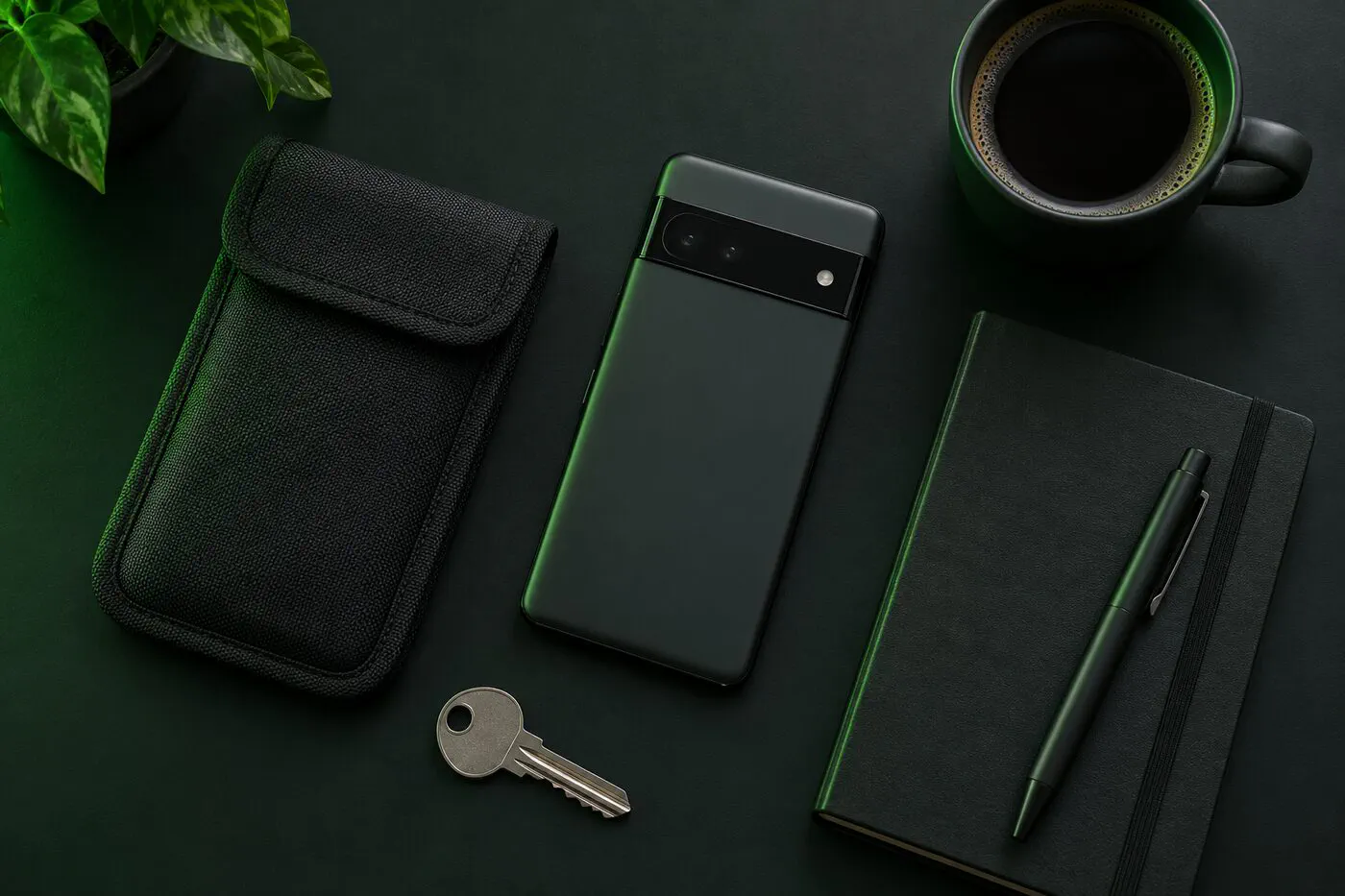
Most phone privacy happens in software: the operating system you run, the apps you allow, the permissions you switch off. But a handful of physical accessories close gaps that software can’t, and a few of them are cheap. This guide sorts the privacy accessories that genuinely help from the ones that mostly sell reassurance. For each one we say what it protects against, who should buy it, and when to skip it.
We haven’t tested these products in hand; the recommendations rest on what the makers publish and on how the underlying technology works. Links to Amazon are affiliate links: buying through them costs you nothing extra and supports the site.
Quick verdict
| Accessory | Worth buying? | Protects against | Amazon |
|---|---|---|---|
| Hardware security key | Yes, for almost everyone | Phishing and account takeover | Check on Amazon for the YubiKey 5C NFC |
| USB-C data cable | Yes, if you’ll install a private OS | Failed installs from charge-only cables | Check on Amazon for the USB-C data cable |
| Travel router with VPN | Yes, if you travel or work from cafés | Snooping on hotel and public Wi-Fi | Check on Amazon for the GL.iNet Slate AX |
| Privacy screen protector | Yes, for commuters | People reading your screen beside you | Check on Amazon for the privacy screen kit |
| Faraday bag | Sometimes | Radio signals while the phone is inside | Check on Amazon for the Faraday sleeve |
| Laptop webcam cover | Yes, with care on thin laptops | A camera switched on without you knowing | Check on Amazon for the webcam cover |
| USB data blocker | Rarely | Data over public charging ports | Check on Amazon for the USB data blocker |
Hardware security keys: the best privacy accessory for most people
A security key is a small USB-C or NFC device that you register with your important accounts. When you sign in, the website asks the key to prove it’s present, and the key only answers the real site. That makes it resistant to phishing in a way that text-message codes and authenticator apps aren’t: a fake login page can trick you into typing a code, but it can’t get a valid answer from the key.
The YubiKey 5C NFC is the safe default. Yubico lists USB-C and NFC on one key, support for FIDO2/WebAuthn passkeys, FIDO U2F, smart card (PIV), OpenPGP and one-time passwords, and up to 100 passkey slots. NFC means you tap it against the back of an Android phone to sign in; on a laptop you plug it in. It works on stock Android and on degoogled systems that support passkeys and FIDO.
See the YubiKey 5C NFC on Amazon
affiliate link — same price for you, small commission for us
Two practical points. First, buy two keys and register both, so losing one doesn’t lock you out. Second, if you only need passkeys and two-factor sign-in, Yubico’s cheaper FIDO-only Security Key line does that job; the 5 series adds the OpenPGP, smart card and one-time password features that most people never use.
Compare Yubico's FIDO-only Security Key C NFC
affiliate link — same price for you, small commission for us
Start with your email account and your password manager. Those two are the keys to everything else.
A proper USB-C data cable: the boring essential
If you plan to install a private system such as GrapheneOS or CalyxOS, you need a cable that carries data, not just power. Many cheap cables, and some that come bundled with chargers, only charge. A charge-only cable is the most common reason a browser-based install fails at the first step: the computer simply never sees the phone. The same applies to removing bloatware with ADB, as in our guide to debloating Android over USB.
Look for a USB-C to USB-C cable (or USB-C to USB-A if your computer is older) that’s described as supporting data transfer, ideally USB 3 or higher. Length matters less than you’d think; one to two meters is comfortable.
Find a USB-C data cable on Amazon
affiliate link — same price for you, small commission for us
A travel router with a VPN
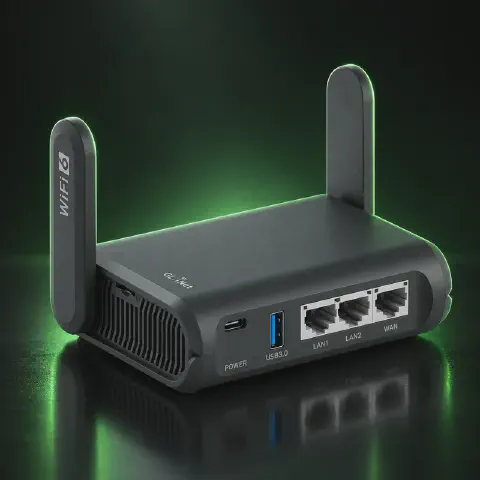
A pocket router that runs your VPN for every device behind it, so hotel and café Wi-Fi never sees your traffic.
When you join hotel or café Wi-Fi, the network operator can see which services your devices talk to, and other people on the same network share it with you. A travel router sits between you and that network: it connects to the public Wi-Fi once, and your phone, laptop and tablet connect to the router instead. If the router runs a VPN, every device behind it is covered, including ones that can’t run a VPN app, like a streaming stick.
The GL.iNet Slate AX is the pick here. GL.iNet’s documentation lists WireGuard and OpenVPN, Wi-Fi 6, WPA3, DNS over HTTPS and DNS over TLS, and AdGuard Home for blocking trackers at the network level. It runs OpenWrt and takes USB-C power, so a phone charger or power bank can run it. You’ll need a VPN subscription or your own WireGuard server for the VPN part; the router doesn’t include one.
Get the next guide in your inbox
One email a week: new degoogling guides, OS and device-support news that matters, and one privacy fix you can do in five minutes. No tracking pixels.
Skip it if you rarely use public Wi-Fi. A VPN app on your phone does the same job for one device.
Privacy screen protectors and camera covers
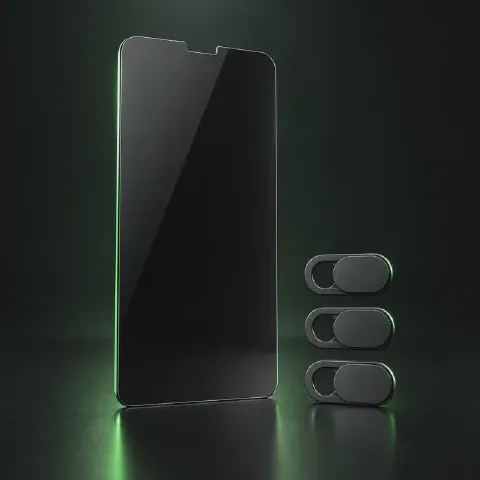
A privacy screen protector plus sliding webcam covers: the cheapest fix for shoulder-surfing and an uncovered laptop camera.
A privacy screen protector darkens the display when seen from the side, so the person next to you on a train sees a black rectangle. It’s a real defense against the most common privacy leak of all, someone reading over your shoulder, and it doubles as glass protection. The trade-offs: the screen looks dimmer even head-on, and some protectors can make an under-display fingerprint reader less reliable. Buy one made for your exact phone model.
Sliding webcam covers are mainly for laptops. On a phone, the operating system already gives you control: Android has camera and microphone access toggles in Quick Settings, and a cover over a phone lens tends to get in the way. On thin laptops, be careful. Apple warns that closing a MacBook with a camera cover installed can damage the display, and recommends relying on the camera indicator light instead. If you use one on a thin laptop, pick a very slim cover and remove it before you close the lid.
Browse slim webcam covers on Amazon
affiliate link — same price for you, small commission for us
Faraday bags: useful in specific situations
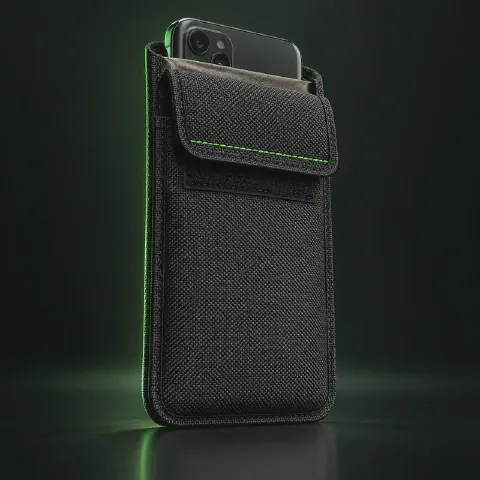
A signal-blocking sleeve that cuts cell, Wi-Fi, Bluetooth and GPS while the phone is inside.
A Faraday bag blocks radio signals in and out. With the phone inside, it can’t reach cell towers, Wi-Fi, Bluetooth or location services. That’s genuinely useful when you want a guarantee that a phone is offline: a sensitive meeting, a border crossing where you’d rather the phone stay dark, or storing a spare device. It also stops relay attacks on keyless car fobs, which many people buy them for.
It’s not a daily privacy tool. Your carrier still knows where the phone was right before it went into the bag, and a bag with a worn seam leaks signal. Test it by calling the phone while it’s sealed inside. Our full explainer, do you actually need a Faraday bag?, covers when they help and how to check one.
USB data blockers: skip them for most phones
A USB data blocker is a small adapter that passes power but cuts the data pins, meant to protect you from “juice jacking” at public charging ports. The idea is sound, but modern phones already cover most of it. Android doesn’t transfer data over USB until you choose to on the phone, and GrapheneOS goes further: its USB-C port control defaults to “charging-only when locked,” so a locked phone ignores new USB data connections altogether.
A data blocker still makes sense if you charge older devices at airports or hotels, or if you’d simply rather not think about it. For a current phone running a recent Android version, your own charger and cable plugged into a wall socket is the better habit, and costs nothing.
See USB-C data blockers on Amazon
affiliate link — same price for you, small commission for us
What to skip entirely
- “Anti-tracking” phone cases and stickers that claim to block radiation or tracking without sealing the phone fully. If signals can get out, so can your location.
- Bluetooth “privacy” gadgets that need their own app and account. Adding a connected device rarely reduces what’s collected about you.
- VPN routers sold with a lifetime VPN bundled from an unknown provider. Pick the router and the VPN separately, so you can change the VPN if it lets you down.
- Spy-detector wands for hotel rooms. They pick up any radio source and produce plenty of false alarms; a look at unusual devices and a check of the Wi-Fi network list does more.
The accessory that matters most is the phone itself
No accessory fixes a phone that’s leaking data in software. If you haven’t yet, start with the system: our ranking of the best phones for GrapheneOS covers which Pixel to buy, and the lookup tool for your current phone shows which private systems it can run. Then lock down the settings that matter with our Private DNS and permissions walkthrough. Accessories are the finishing layer, not the foundation.
FAQ
What is the most useful privacy accessory for a phone?
A hardware security key. It protects your most important accounts against phishing, which is how most accounts get taken over, and it works with your phone over NFC or USB-C.
Do I need a YubiKey if I use an authenticator app?
An authenticator app is far better than text-message codes, but its codes can still be typed into a fake site. A security key won’t answer a fake site, so it closes that gap. Many people use both: the key for email and password manager, the app for everything else.
Do privacy screen protectors work?
Yes, for their one job: they make the screen hard to read from the side. They don’t stop someone directly behind you, and they make the screen dimmer, so turn brightness up a step after fitting one.
Are Faraday bags worth it?
Only for specific situations, such as making sure a phone is completely offline or protecting a keyless car fob. They don’t hide where the phone was before it went in, and you should test any bag before trusting it.
Do I need a USB data blocker for public charging?
For most current phones, no. Android doesn’t share data over USB until you allow it, and GrapheneOS blocks new USB data connections while the phone is locked. Using your own charger in a wall socket avoids the question entirely.
Is a travel router better than a VPN app?
It’s different. A VPN app protects one device; a travel router with a VPN protects every device connected to it, including ones that can’t run VPN apps. If you travel with a laptop, tablet and streaming stick, the router is simpler.