Privacy habits that actually matter
The privacy habits that matter most on any phone: fewer apps, separate identities, encrypted messaging, a spare number, sane backups. Skip the theatre.
Part of the max-degoogle any Android phone series.
Settings and firewalls cap what the phone leaks. Habits decide how much there is to leak in the first place. Here’s what actually moves the needle, roughly in order of payoff.
Start with your threat model (two minutes)
Ask: who do I want to keep what away from? For most people the honest answer is “advertisers and data brokers, plus whoever steals or finds my phone”. That’s what this guide is for. If your answer includes a stalker, an abusive partner, or a government, the same habits still apply, but you need more — talk to a specialist organisation, and treat the phone as a GrapheneOS candidate.
Fewer apps
Every app is a new company with a privacy policy, an SDK list and a data-sharing deal. The single best habit:
- Use the website instead of the app where you can — a browser sandbox shares far less than an installed app with background access.
- Uninstall what you haven’t opened in a month. Android’s unused-app feature strips permissions automatically; deleting is better.
- Before installing, check the alternatives in our private app picks — there’s often an open-source app that does the same job without the tracking.
A monthly ten-minute review
Put a recurring reminder in your calendar:
- Open the Privacy dashboard (Android 12+) — who used location, camera, mic?
- Skim the Permission manager for anything new.
- Check your firewall’s log for apps you didn’t expect to be online.
- Delete one app you don’t need.
Separate your identities
- One email per purpose: personal, shopping/sign-ups, work. Email aliases (SimpleLogin, addy.io, or the alias features in Proton and Tuta) let you hand every shop a different address and burn it when the spam starts.
- Don’t “Sign in with Google/Facebook”. It links the account to the platform permanently. Use an email and a password manager instead.
- A password manager plus unique passwords — and two-factor codes in a private authenticator app, not SMS where you have the choice.
Guard your phone number
Your phone number is the identifier that follows you everywhere: it links accounts, leaks in data breaches, and enables SIM-swap attacks.
- Don’t give it out by default. Shops and loyalty programs rarely need it.
- Use a secondary number for sign-ups where your country allows (a cheap second SIM or eSIM, or a VoIP number).
- Set a SIM PIN (Settings → Security → SIM card lock) and ask your carrier for a port-out/SIM-swap PIN — that’s what stops someone moving your number to their SIM.
- Signal usernames let people message you without seeing your number — set one and set Who can find me by number to Nobody if you don’t need it.
Get the next guide in your inbox
One email a week: new degoogling guides, OS and device-support news that matters, and one privacy fix you can do in five minutes. No tracking pixels.
Message privately by default
- Signal for people you talk to often. End-to-end encrypted by default, minimal metadata.
- SMS is not private — your carrier (and anyone who compromises it) can read it. Use it for things you’d put on a postcard.
- Turn on disappearing messages for chats that don’t need history.
Browse like you mean it
- A private browser with built-in tracker blocking (browser picks) and a non-Google search engine (search picks).
- Close tabs, don’t hoard them — long-lived sessions mean long-lived tracking cookies.
- Don’t install a site’s app when its website works.
Backups you control
The fastest way to undo a privacy setup is “I lost my phone, so I turned Google backup back on”. Instead:
- Back up photos to a computer or a private cloud.
- Export contacts as a
.vcffile now and then. - Keep an encrypted backup of your password manager and 2FA codes somewhere other than the phone.
Physical security
- A long PIN beats biometrics when someone can compel you. Know where your phone’s lockdown option is (power menu) — see the settings guide.
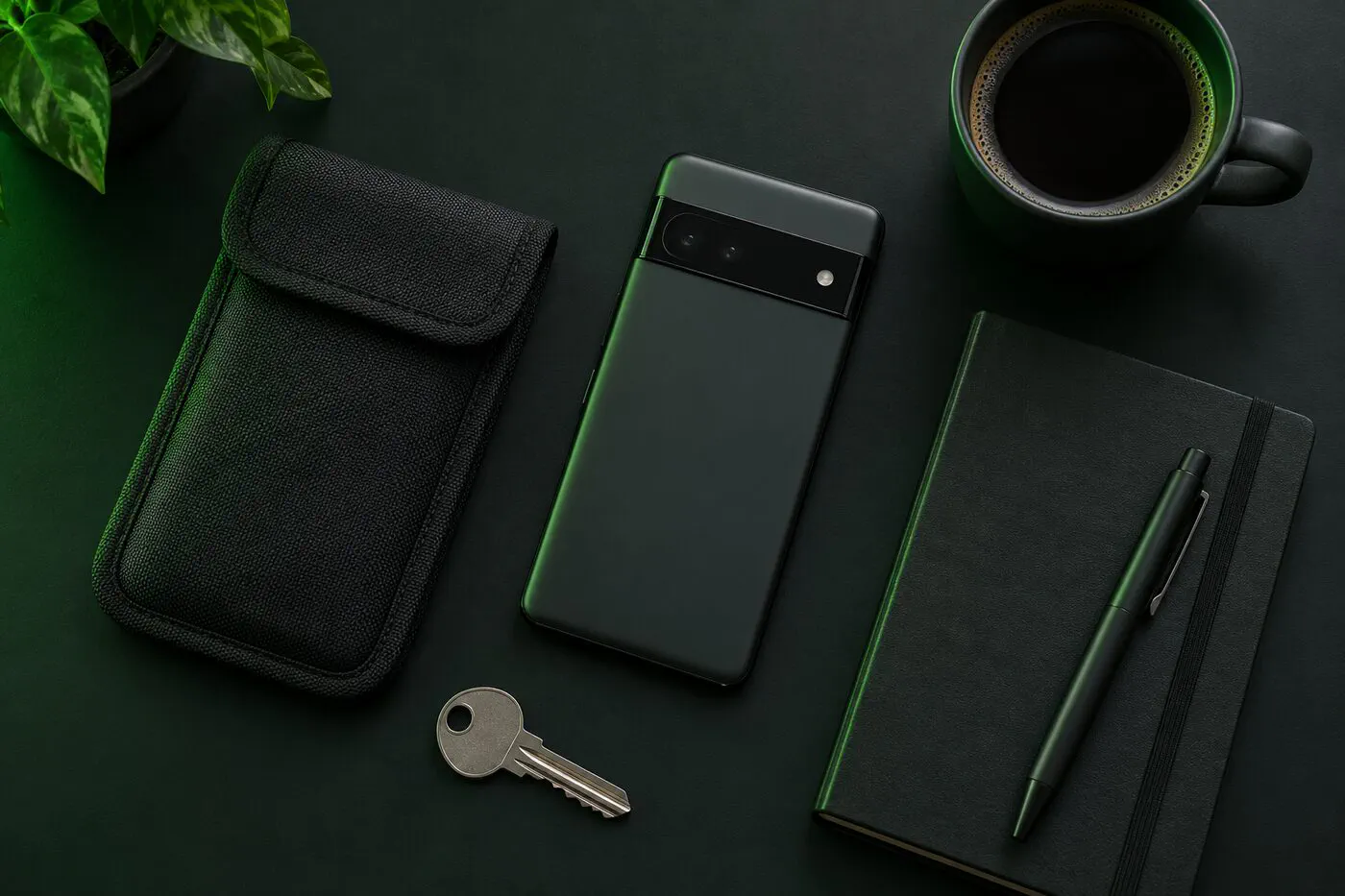
- Faraday bags block every signal so the phone can’t be located or contacted. Useful for specific situations, not everyday carry — here’s when they’re worth it.
- Restart your phone regularly. A reboot puts it back in its most protected state (encrypted until first unlock) and clears some kinds of malware that don’t survive reboots.
Travel
- Back up, then carry less: log out of apps you won’t need on the trip.
- Turn on lockdown or power off at border crossings.
- Use mobile data or a trusted VPN instead of hotel and airport Wi-Fi.
Paranoia theatre you can skip
- Covering the front camera on a phone while ignoring app permissions — use the camera toggle instead.
- Factory-resetting every week — a monthly review does more.
- Five VPNs and three antivirus apps — on Android, “security” apps often collect more than they protect. Updates, a sane app list and the steps in this series matter more.
- Leaving your phone at home for everything — sometimes right, usually unnecessary. Match the effort to the threat model you wrote down at the top.
Back to the series
← Series overview · Remove bloatware · Firewalls · Settings lockdown