LineageOS 23.2, and the map after DivestOS
LineageOS keeps hundreds of phones alive on Android 16-era builds, and it inherited many DivestOS refugees. What Lineage is — and isn't — for privacy.
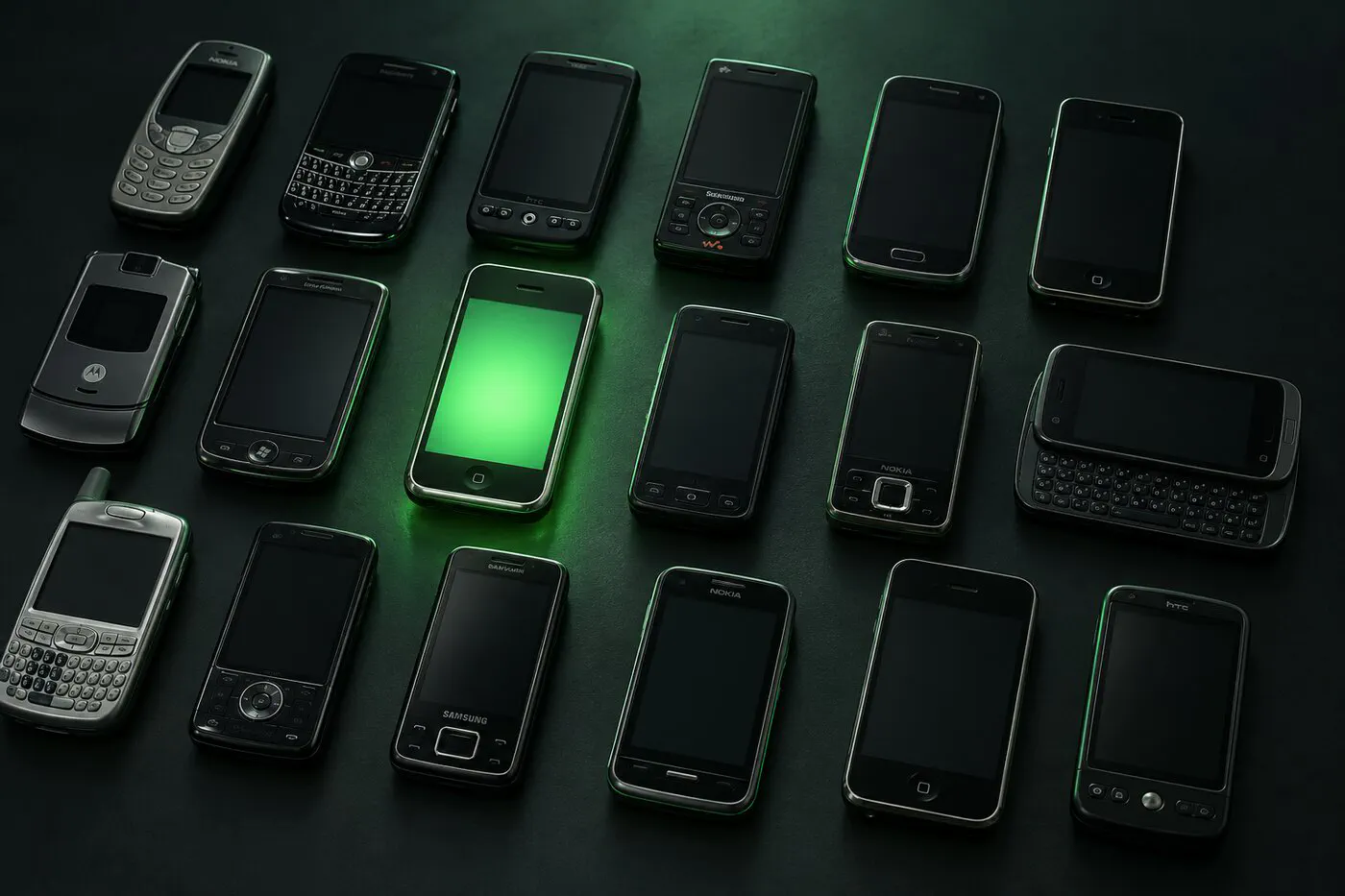
LineageOS 23.2 is rolling out across its enormous device list, keeping phones alive on current Android long after their makers gave up. With DivestOS gone — the hardened LineageOS fork shut down and its users scattered — Lineage is where most of those refugees landed, so it’s worth drawing an accurate map of what it does and doesn’t give you.
What’s in 23.2
The project announced 23.2 in its February changelog as a “halftime release,” built after rebasing onto two large Android 16 updates. The visible change is the new look: LineageOS now uses Google’s Material Expressive design, with fully customizable Quick Settings tiles, an expanded dark theme and more file tools around private spaces. Several default apps, including the Twelve music player, the clock and the calculator, got matching redesigns.
Two process changes matter more than the paint. Google has moved AOSP to two releases a year, and LineageOS says it will follow that six-month rhythm for point releases, while still merging Android security bulletins into all supported versions every month. And 23.2 launched for “a decent selection of devices,” with more added as their maintainers get them ready, so your phone’s page on the LineageOS wiki is the place to check, not the announcement.
Where DivestOS users stand
DivestOS, the security-focused LineageOS fork, ended in December 2024; its final release went out that month and the phone OS gets no further updates. A phone still running it is now missing every Android security bulletin since then. That’s why the question “where do I go now?” keeps coming up.
If you are still on DivestOS, don’t wait for a fix that won’t come. The longer a phone runs without patches, the larger the list of known, published bugs it carries.
What Lineage is
The widest lifeline in Android. Hundreds of devices, from old OnePlus flagships to Xperias to phones you forgot existed, get modern Android builds with no Google apps installed by default. For extending the life of hardware you already own, nothing else has its reach.
What Lineage isn’t
A hardened-privacy OS. Three honest caveats:
- Most installs relock nothing — the bootloader stays unlocked on nearly all supported devices, which weakens verified boot. GrapheneOS’s locked-bootloader install is the exception in this world, not the rule.
- No anti-Google engineering. Lineage removes Google’s apps but doesn’t sandbox or spoof services; what you add back (many users flash Google apps right in) is on you.
- Update cadence varies by device maintainer. Popular devices get fast updates; obscure ones lag. Before you commit, look at how recently your device’s build was published on the LineageOS download page — a steady monthly rhythm is the best sign a maintainer is active.
That’s why in our ratings Lineage sits where it does: privacy 7/10, install difficulty “advanced” — a fastboot-and-recovery process that varies per device, not a friendly web installer.
Get the next guide in your inbox
One email a week: new degoogling guides, OS and device-support news that matters, and one privacy fix you can do in five minutes. No tracking pixels.
Moving from DivestOS: a short plan
- Back up first. Switching operating systems means a full wipe, so copy photos and files to a computer, export your two-factor codes, and check your messaging app’s own backup.
- Look up your exact model on the LineageOS wiki. If it has an official 23.2 build, the device page has the install steps; if not, check whether another system supports it.
- If you’re replacing the phone anyway, buy one that can run GrapheneOS or CalyxOS rather than another LineageOS-only device.
- After installing, leave the bootloader alone unless your device’s wiki page says relocking is safe; on many phones, relocking with a custom OS installed can stop the phone from booting.
Our advice hasn’t changed
If your phone’s only good OS option is LineageOS, it’s a fine way to degoogle hardware you already own — the checker will tell you if that’s your situation. But if you’re buying a phone to degoogle, buy one that runs GrapheneOS or CalyxOS and get the hardened option. Former DivestOS users specifically: a used Pixel with GrapheneOS is the closest surviving thing to what you had, and it’s a 20-minute move.