RestlessOS Explained: GrapheneOS Without a Pixel
RestlessOS puts GrapheneOS code on non-Pixel phones as a generic system image. How install works, what is missing, and what critics and users say.
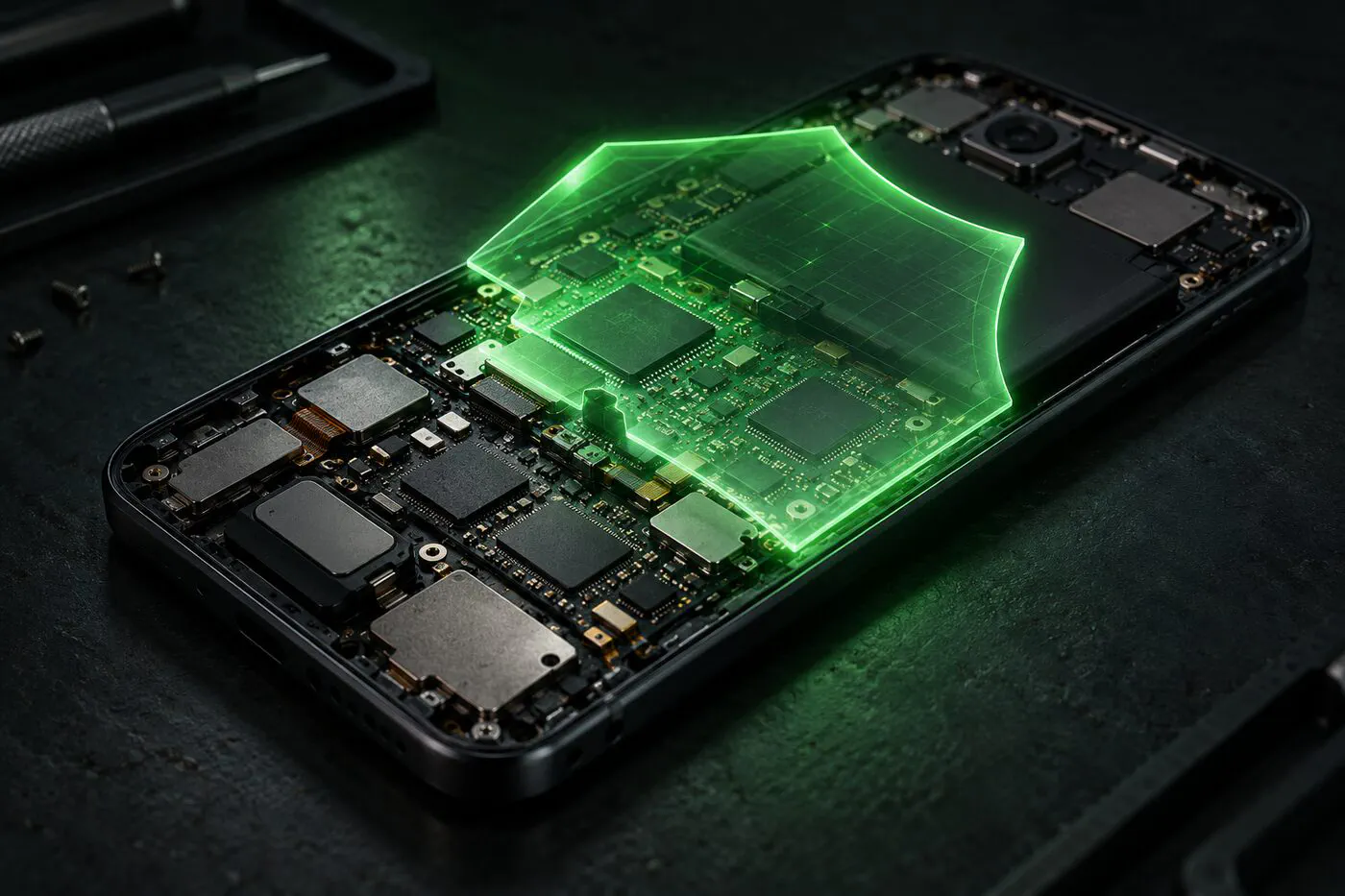
RestlessOS is the project people point to when they ask whether GrapheneOS can run on a phone that isn’t a Pixel. It takes GrapheneOS source code and packages it as a generic system image (GSI) that can be flashed onto almost any recent Android phone with an unlocked bootloader. Its maintainers ship it often: the newest build, 17.0.0-202610280533, landed on October 28, 2026, based on GrapheneOS release 2026102100. Since the first public build on April 8, 2026, the project has published 71 releases (48 on Android 16, 23 on Android 17 since September 22), and the GitHub repository has about 260 stars.
The short version, explained up front: RestlessOS is a real, active project with useful hardening, but it is not GrapheneOS, and its own developers say so plainly. Below is what it is, how installation works, what the GrapheneOS team and other critics say, and what early users are reporting.
What RestlessOS actually is
A GSI is one Android system image meant to boot on many devices, thanks to Google’s Project Treble split between the system partition (Android itself) and the vendor partition (the maker’s drivers and hardware code). RestlessOS builds on the TrebleDroid project’s compatibility layer and replaces only the system partition. The kernel, firmware, bootloader and vendor drivers stay whatever your phone maker last shipped.
That one fact explains nearly everything else. The project’s README opens with a warning that “RestlessOS makes no security guarantees” and lists what no GSI can provide:
- Firmware updates. The phone keeps the firmware it already has.
- Kernel updates. It boots the vendor kernel, without GrapheneOS’s kernel hardening.
- Driver and hardware-layer updates. Device-specific code can’t ship in a generic image.
- Hardware-backed attestation. Nobody can cryptographically check that a running phone is intact, so the GrapheneOS Auditor app is gone.
The developers also removed or turned off features that broke on other hardware. hardened_malloc, one of GrapheneOS’s best-known protections, is replaced with Android’s standard Scudo allocator because it caused boot loops on some chips. Memory tagging control and the USB port protection are removed, and native debugging protection was never ported. Hardened thread stacks, memory tagging for vendor processes and secure app spawning are off by default; you can switch them back on in Settings under Exploit protection or the Treble app’s Hardening page.
What you do get is GrapheneOS’s hardened userspace: its permission model (including the per-app Network permission), the GrapheneOS app store, sandboxed Google Play as an optional install, and Vanadium on request. RestlessOS also goes further than GrapheneOS in places GrapheneOS deliberately doesn’t. It has built-in signature spoofing so microG works without patches, and it keeps root tools like Magisk usable by leaving secure spawning off. Those choices make sense for a hobbyist ROM, and they also show how far the security goals have moved.
How the installation process works
There is no web installer and no device list. The project’s wiki asks you to check the phone with the Treble Info app first. It must report Project Treble support, an ARM64 CPU, 64-bit binder, dynamic partitions, system-as-root, and a vendor based on Android 10 or newer (Android 12 or newer recommended), and it must not be a “VNDK Lite” device. A newer phone that still gets vendor and firmware updates from its maker is the recommended starting point.
The wiki suggests a dry run with DSU Sideloader, which boots a GSI temporarily without touching your partitions. If that boots, the real install via fastboot looks like this:
- Unlock the bootloader, using your phone maker’s own process. This alone wipes the phone on most models.
- Back up your partitions and download the stock firmware that matches your current build, so you can extract its
vbmeta.img. - Reboot into fastbootd (
adb reboot fastboot) and flash vbmeta with verification disabled:fastboot --disable-verity --disable-verification flash vbmeta vbmeta.img. - Run
fastboot erase system, thenfastboot flash system RestlessOS-arm64-ab-<version>.img. If it fails for lack of space, delete the product partition and flash again. - Format data with
fastboot -w, thenfastboot reboot. The first boot is slow.
A custom recovery such as TWRP or OrangeFox works too, with a patched vbmeta and “Format Data” rather than a plain wipe. The download is about 930 MB compressed (or 1.1 GB for the EROFS variant, which needs kernel support).
Two things matter after day one. First, verified boot is switched off and the bootloader stays unlocked, so someone with physical access has an easier time tampering with the phone than on a locked stock device. Second, there is no over-the-air updater. Every update is a manual fastboot or recovery flash over the existing install, with zsync2 available to download only the changed blocks. In practice, an OS that needs a computer to update tends to fall behind.
If that list feels like a lot, compare it with the official route on supported Pixels, where our browser-based GrapheneOS install walkthrough takes about 20 minutes and ends with the bootloader locked again.
Get the next guide in your inbox
One email a week: new degoogling guides, OS and device-support news that matters, and one privacy fix you can do in five minutes. No tracking pixels.
What the GrapheneOS project and other critics say
The GrapheneOS team’s response, posted on X at the end of March and quoted on its forum in June, does not object to the fork existing: “GrapheneOS is an open source project and that means people can make forks of it.” Its complaint is how the fork gets described. The team says there are “only highly incomplete ports losing many of the core features”, that RestlessOS has none of the GrapheneOS kernel changes, and that it is “missing standard Android protections including but not limited to verified boot.” It also notes that the RestlessOS author doesn’t claim otherwise. GrapheneOS has long said a GSI release only makes sense for development and testing.
Forum members were blunter. Forum staff renamed the original thread so it no longer said RestlessOS runs “GOS” on non-Pixel phones: “RestlessOS isn’t GrapheneOS, so installing it doesn’t mean someone is running GrapheneOS.” Another member wrote that “calling it a ‘GrapheneOS fork’ is a huge stretch” and that daily use of a GSI means crashing apps and notification trouble. On the Privacy Guides forum, one reply summed it up as never getting firmware or kernel updates while “so many features are disabled”, and members advised a newcomer against using it on an old Motorola.
Not everyone was negative. Some forum members pointed out that forking is exactly how open source is supposed to work. A GrapheneOS user with a Pixel 8a described running a GSI on a cheap rugged outdoor phone, a job a Pixel isn’t built for, and argued that end-of-life devices are fine for experiments if you accept the risks.
What users are reporting
First-hand reports are thin outside the project’s Telegram group, but the public GitHub issue tracker shows what installing a GSI looks like on real hardware. From the last two weeks of October 2026 alone:
- A Redmi Note 8T dropped to recovery with “init_user0_failed”. A maintainer traced it to leftover encryption from the old ROM and asked for a full data format, not a wipe.
- A OnePlus 13 hung on the boot animation because the vendor’s audio service kept crashing.
- A Lenovo Tab M8 HD that ran the Android 16 build without issues showed a black screen on the Android 17 build.
- A Redmi 9A reported System UI freezes after opening YouTube, and a Realme 8 Pro saw high CPU from a broken fingerprint driver.
- One user noticed the Clock app was gone. The team said it removed the old stock apps on purpose and recommends newer open-source replacements.
The maintainers answer issues quickly and ship fixes in the next build. The release notes for October 28 include fixes for fingerprint crash loops, Samsung camera toggles and MediaTek security policies. But you can see the pattern: problems come from the vendor side, which the project can only work around. The README documents one such case. On some MediaTek phones with 4.14 or 4.19 kernels, a vendor bug silently breaks the firewall and the per-app Network permission, so a privacy feature can look switched on while doing nothing.
Positive reports exist too. The TrebleDroid wiki lists RestlessOS among tested working images for the moto g55 5G and marks it suitable for daily use on the Galaxy A12s (though not root-friendly). One Privacy Guides member tried it, then removed it, citing the missing OTA updates and the unlocked bootloader.
Banking and other apps that require Play Integrity are a known gap. Without hardware attestation, apps that demand a strong integrity verdict can refuse to run, and the project does not support the usual workarounds.
Our analysis: who RestlessOS is for
The useful question is not “is it as safe as GrapheneOS”, because the project itself says no. It’s “is it better than what this phone runs now”. For a phone the maker has abandoned, the kernel and firmware are frozen either way, and a hardened userspace, a sensible permission model and no preinstalled Google services are real gains over an outdated stock OS full of bloatware. For an old tablet, a spare test device, or a phone that would otherwise go into a drawer, RestlessOS is a reasonable experiment. Its userspace is also more hardened than most GSIs, LineageOS-based ones included.
For your main phone, the trade-offs are hard to ignore: verified boot off, an unlocked bootloader, manual updates, and vendor code nobody audits. If your phone still gets security updates, the locked stock OS may well be the safer choice. If privacy is the goal and you can buy a used Pixel 8 or 8a, upstream GrapheneOS gives you the full security model for less effort than most GSI installs. If you’re not sure where your current phone stands, our degoogling options check for your model lists the official builds available for it, and the operating system feature matrix shows how the main options compare.
RestlessOS is honest about its limits, and the people building it are clearly capable. Treat it as GrapheneOS-flavoured hardening for hardware GrapheneOS will never support, not as GrapheneOS on a cheaper phone.