Signal Blocks AI Screen Capture on Android
Signal enables Screen security when it detects an AI assistant reading Android content, but says the screenshot-based defense remains incomplete.
What Signal changed
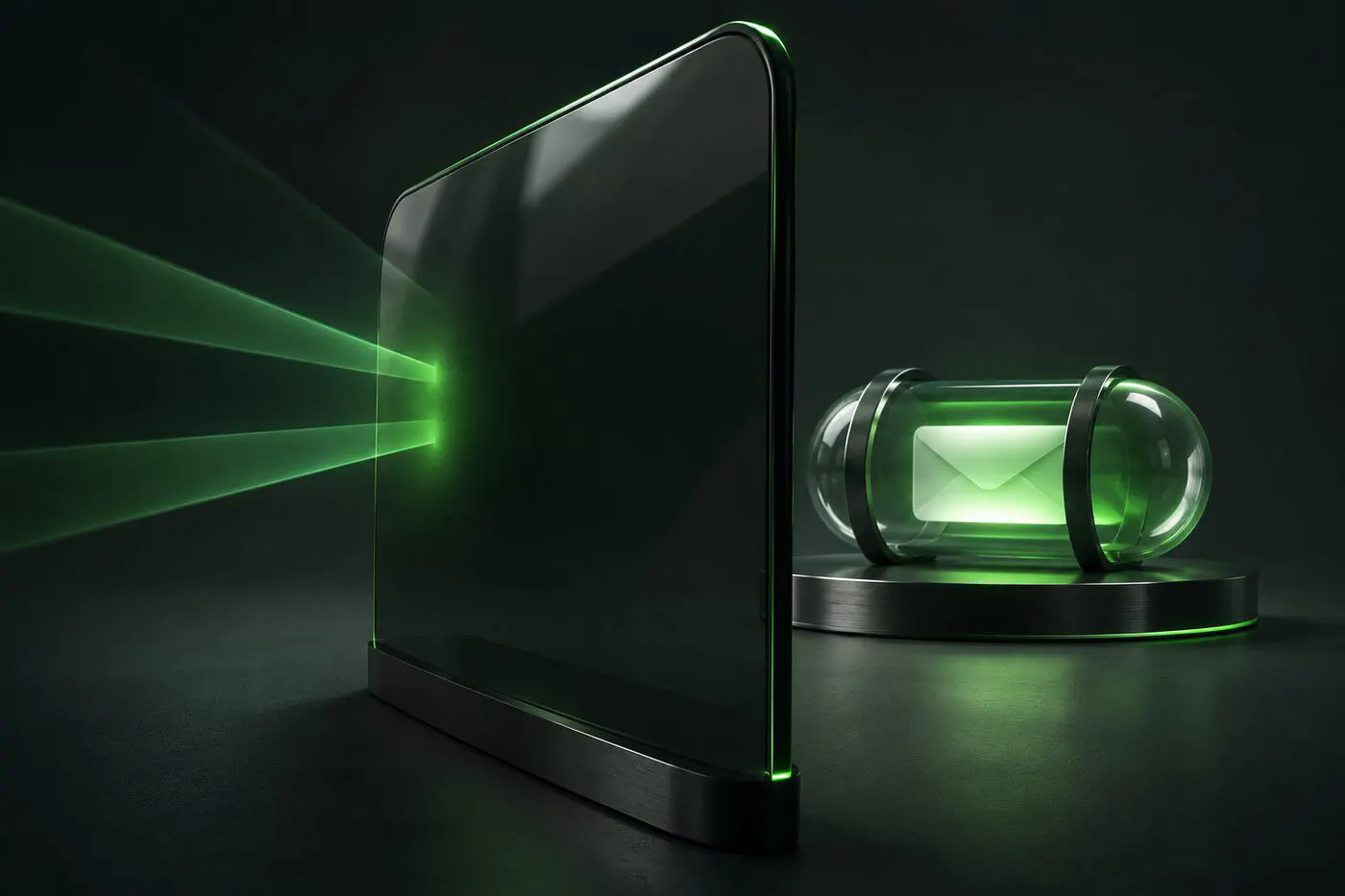
Signal is restricting mobile operating-system AI agents from capturing its conversations. On Android, the app automatically enables its existing Screen security setting when it detects an AI assistant trying to access the screen. That setting prevents screenshots inside Signal, including screenshots initiated by the user.
The change is aimed at screen-reading assistants rather than one particular Android distribution. Signal’s explanation of its new capture restrictions names Google Gemini and says operating-system agents can scan information displayed on screen, make that information available to an agentic system, and potentially store it locally or remotely.
Signal Blocks AI Screen Capture on Android is therefore a local-device protection. It does not replace the app’s encryption protocol or change how messages travel between participants. Instead, it addresses what can happen after decrypted conversation content appears on a phone’s display.
The Android protection differs from Signal’s implementation on iOS 27. Signal prevents screenshots in the app on iOS 27, while Android activates Screen security when the app detects an AI assistant attempting to read the screen.
Why encryption alone cannot cover this
End-to-end encryption protects a message while it travels between Signal users, but it cannot stop another component on the receiving device from collecting the displayed text. Android Authority’s account of the Android behavior explains that an assistant capturing content directly from the screen operates beyond that transport protection.
This distinction also matters for disappearing messages. Signal says Microsoft Recall’s searchable database could retain captured conversation content, including disappearing messages, after the intended lifetime of those messages. Signal previously used screenshot blocking against Recall on Windows 11 and is applying a related approach to newer mobile AI integrations.
Users can disable the mobile protections in Signal’s settings if they need screenshots. Signal warns that doing so can expose both their content and their contacts’ content to AI agents. The practical tradeoff is therefore explicit: screenshot convenience removes the capture barrier that Signal can currently provide.
The Android limitation matters on alternative systems
Signal says its remedy does not cover every Android device. Its footnote specifically recognizes that Android includes versions beyond Google-provided distributions on Pixel devices. For many vendors, Signal lacks a reliable way to detect an attempted screenshot when screenshots are already disabled. The project chose to focus on detecting an AI assistant trying to access the screen instead of silently disabling screenshots everywhere.
Get the next guide in your inbox
One email a week: new degoogling guides, OS and device-support news that matters, and one privacy fix you can do in five minutes. No tracking pixels.
That caveat is important for people using a degoogled or custom Android system. The announcement does not claim universal protection across GrapheneOS, CalyxOS, LineageOS, /e/OS, iodéOS, or every vendor build. It describes detection performed by Signal and acknowledges that coverage varies across Android devices.
Signal also calls the overall remedy incomplete. Screenshot restrictions do not prevent an agent from reaching information through another route, such as content already stored in the device’s filesystem. The project says developers lack well-documented operating-system controls that could exclude an app from screen reading, filesystem access, notifications, APIs, and other AI processing without damaging normal app behavior.
Signal separately warns about third-party agents that receive broad permissions during setup. Some use Android accessibility capabilities originally designed to help people interact with apps. Signal argues that those capabilities should not become a general key for agents to access application data.
What Signal users should do
- Open Signal’s settings and locate Screen security. Leave it enabled unless taking screenshots is necessary for your use case.
- Treat a blocked screenshot as an intentional privacy boundary, not an app malfunction. Disabling that boundary permits the access Signal is trying to prevent.
- Review which AI assistants and third-party agents are installed, especially those granted accessibility or other broad permissions. Remove permissions that are not needed.
- Do not assume that a degoogled operating system guarantees Signal can detect every capture attempt. Signal explicitly says Android coverage is incomplete and varies by device implementation.
- Keep sensitive material out of unnecessary local files. Signal says screenshot blocking does not address agents retrieving content already present through the filesystem.
Signal is asking Google, Apple, and Microsoft for documented controls that let developers opt applications out of AI data access and processing. Until operating systems provide those controls, Screen security is a targeted defense rather than a complete isolation layer.
The phone in this story
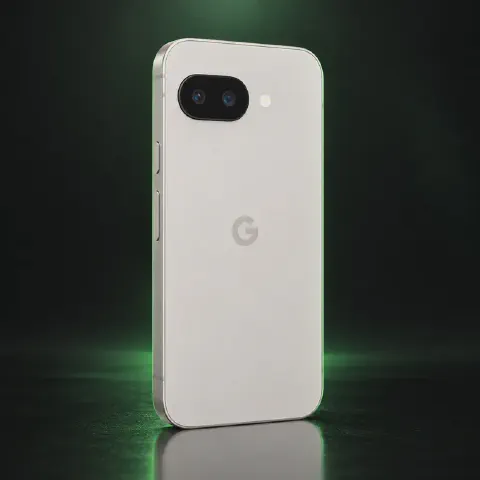
6.3" OLED · updates to April 2032 · GrapheneOS, CalyxOS, iodéOS or LineageOS
Buy buttons may be affiliate links: same price for you, a small commission for us. Side-by-side phone comparison · every private OS explained