Which Google Photos Alternative Fits?
Compare encrypted backup, self-hosted search, and offline galleries to choose a private Google Photos replacement that matches your setup.
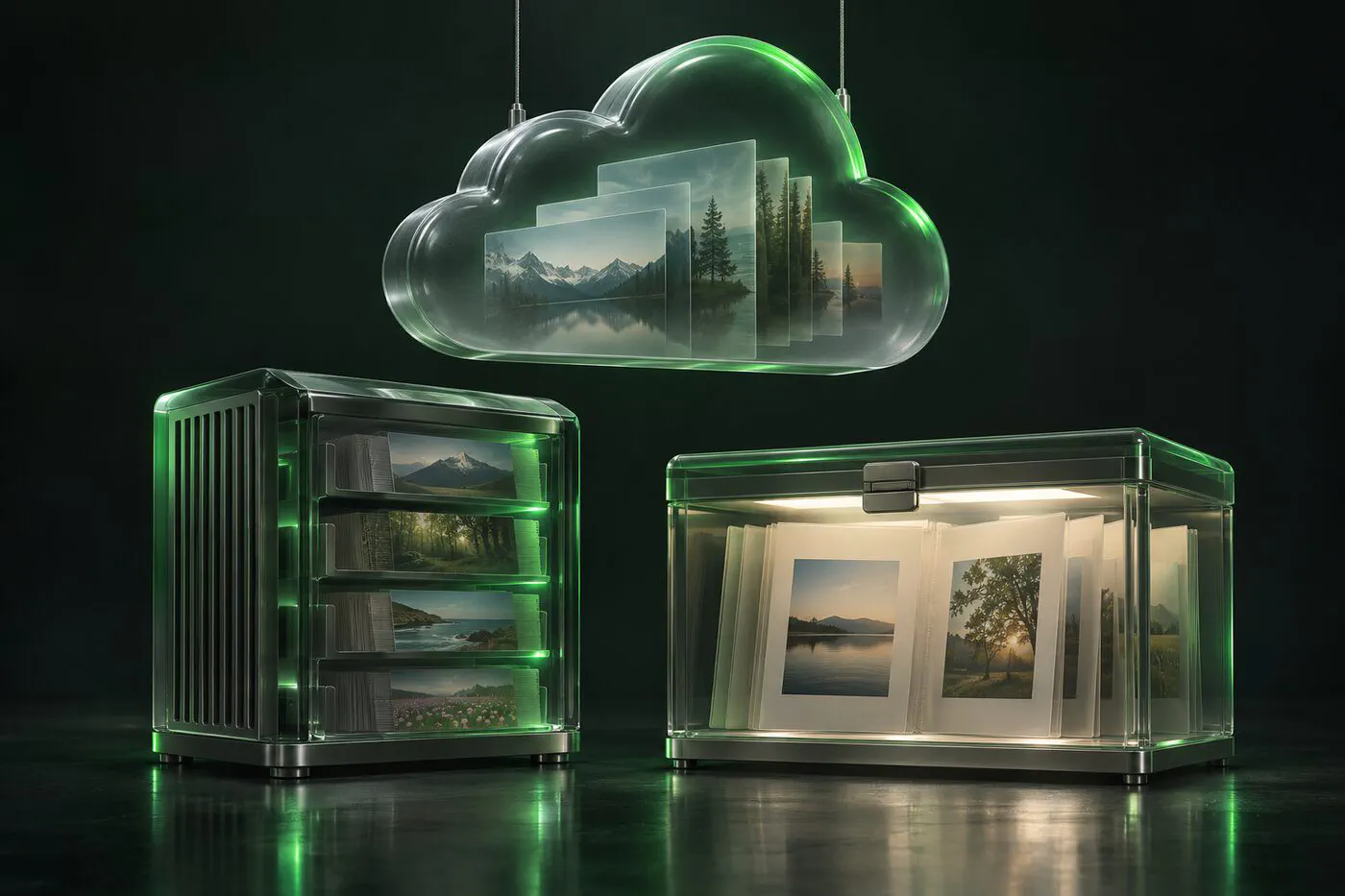
Start with the job you need done
Which Google Photos alternative fits your phone depends first on whether you need backup, search, or simply a private way to browse pictures. These are separate jobs, even though Google Photos combines them.
The available choices split into three practical groups:
- ente Photos provides an encrypted hosted service with automatic phone backup.
- Immich and Nextcloud Memories put the service on a server you run.
- Fossify Gallery and Aves are offline galleries for viewing files already on the phone.
That distinction matters. An offline gallery can replace Google Photos as your viewer, but it does not create a cloud copy. A self-hosted service can provide backup and search, but you become responsible for the server, its storage, updates, and a backup of the server itself. A hosted service handles that work for you, with storage cost as part of the trade-off.
Choose hosted encrypted backup for convenience
ente Photos is the closest option here to the broad Google Photos experience. It is a paid, hosted photo service with end-to-end encrypted backup. Its face and object search runs on your device, so the server does not need to see what is in the pictures. It also supports Google Takeout imports and reads the metadata files included in those exports.
This option suits someone who wants automatic backup and useful search without running a home server. It is also the more practical fit for most families, because someone else keeps the service operating. You still need to plan the move carefully: large libraries can take hours to transfer, and Takeout exports can be messy.
After importing, compare photo counts and inspect old albums, videos, and dates. Albums come out of Takeout as folders, while edits, shared albums, and face groups may not transfer cleanly. Expect to rebuild a few favorite albums by hand rather than assuming every Google Photos feature will survive the move.
Pick self-hosting or an offline gallery deliberately
Immich is for people who already enjoy running a home server. It is fast, and its machine-learning search runs on your own hardware. In return, you handle updates, storage, and a separate backup of the server. Immich users can upload a Takeout library with its command-line tool or community importers designed for Takeout archives.
Nextcloud Memories is another self-hosted choice. It makes the most sense when you already run Nextcloud and want photos beside the rest of that setup. It is described as good enough in that situation, rather than a reason by itself to begin running a server.
Get the next guide in your inbox
One email a week: new degoogling guides, OS and device-support news that matters, and one privacy fix you can do in five minutes. No tracking pixels.
If you do not need cloud backup, Fossify Gallery is a clean, free viewer with no cloud and no account. It suits someone who wants a simple replacement for opening and browsing local photos. Aves is also free and offline, but adds maps, tags, and video features. It is the stronger fit for a large library or for someone who wants more ways to browse it.
Neither offline gallery performs the face or object recognition offered by ente Photos or Immich. Aves can organize browsing with maps and tags, while both offline options let you browse without opening a cloud app. Because the pictures remain on the device, you need another plan if you also want copies elsewhere.
How to choose and move safely
Use this short process to match the tool to the job:
- Decide whether you need automatic phone backup. If not, start with Fossify Gallery or Aves instead of setting up a service you do not need.
- Decide who should operate the storage. Pick ente Photos when you want an encrypted hosted service; consider Immich only when maintaining a server, its storage, and its backup suits you.
- Decide whether search matters. ente Photos provides on-device face and object search, while Immich runs similar search on your server. The offline galleries organize pictures without that recognition.
- Request a Google Photos export through Google Takeout. Large libraries arrive in multiple zip files, with JSON files carrying dates, descriptions, and locations.
- Import everything, then enable backup in the new Android app. Check camera, screenshot, and messaging folders separately, because Android keeps them in different folders.
- Compare counts and spot-check the oldest photos, albums, videos, and dates. Do not delete anything from Google Photos until the new library is confirmed.
Once the new backup works, turn off backup in Google Photos and uninstall or disable the app. Do not use a free-up-space option while Google still holds your only complete copy. If you prefer browsing outside the backup service, set Fossify Gallery or Aves as the default viewer.
See the complete researched guide to private Google app replacements for the full picture.
The easiest way to a degoogled phone
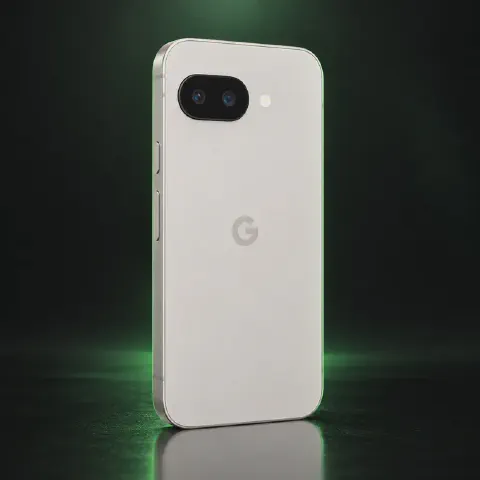
6.3" OLED · updates to April 2032 · GrapheneOS, CalyxOS, iodéOS or LineageOS
Buy buttons may be affiliate links: same price for you, a small commission for us. Side-by-side phone comparison · every private OS explained