Which OS Handles Banking Apps Best?
GrapheneOS offers the strongest banking compatibility, while microG systems usually work and LineageOS requires more careful testing.
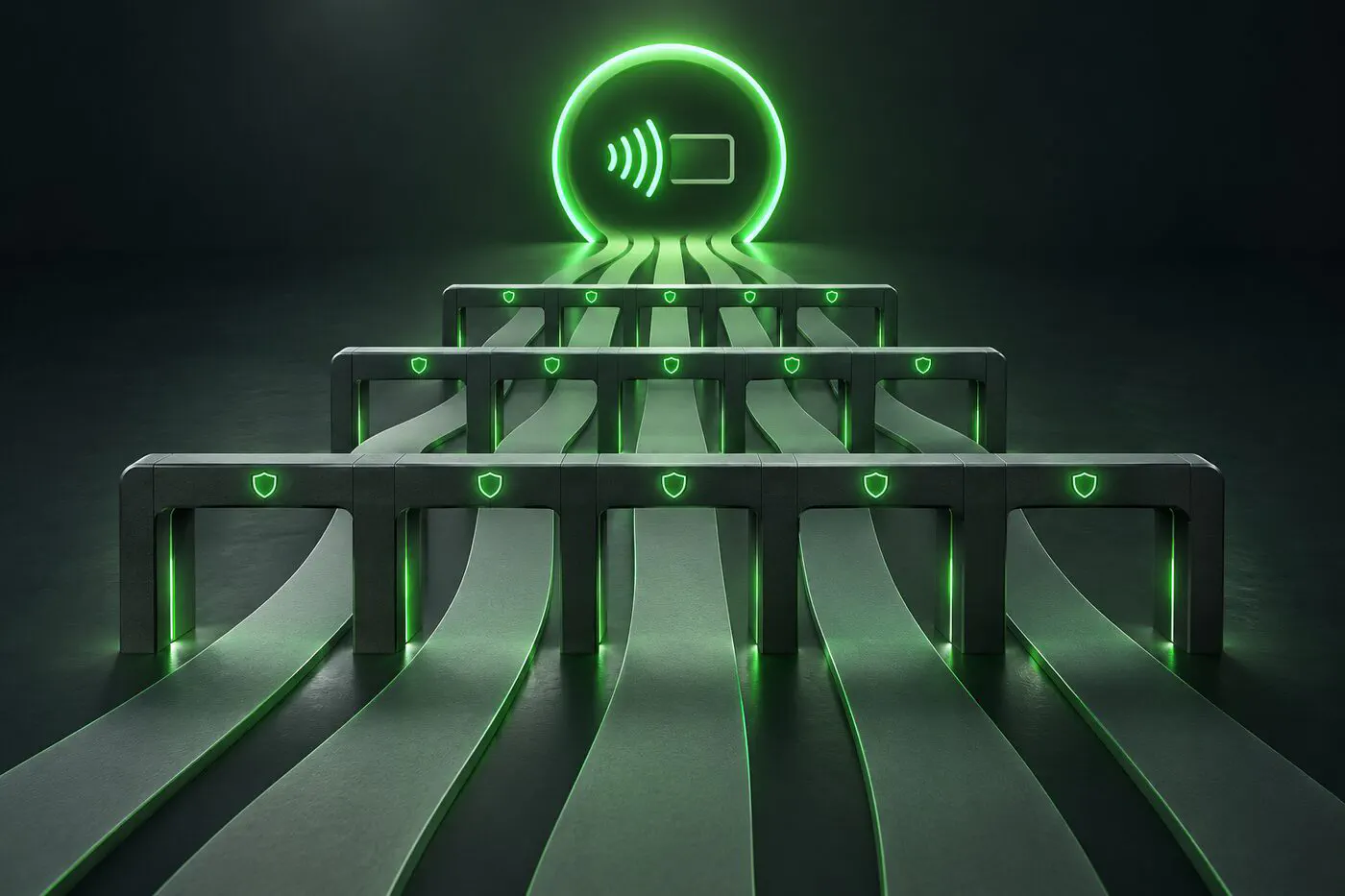
Which OS handles banking apps best?
For banking apps, GrapheneOS has the clearest advantage in this comparison. Its rating is “Almost all,” with sandboxed Play passing most bank checks. That makes it the best fit for someone who wants a degoogled phone but considers access to banking essential.
CalyxOS, /e/OS, and iodéOS are grouped one step behind at “Most.” All three use microG, an open-source stand-in that feeds Google as little as possible. It satisfies most apps, but the strictest banks may refuse to run. These systems suit people willing to test their particular bank in exchange for their different privacy and usability choices.
LineageOS is rated “Hit or miss.” Its unlocked bootloader trips some banks’ checks, so it is the riskiest option here if reliable banking is a priority.
How the five options compare
Each OS approaches Google services differently, and the banking results follow those choices:
- GrapheneOS: Google is gone by default, but real Play can run locked in a sandbox with no privileges. It offers the best banking compatibility in the group. GrapheneOS is for most people if a Pixel is an option, especially those who want maximum privacy without giving up most bank apps.
- CalyxOS: microG replaces Google services and works with most banking apps. It suits set-and-forget users who want strong defaults on inexpensive new hardware, while accepting that a particularly strict bank may refuse.
- /e/OS: Its microG arrangement produces the same “Most” verdict. /e/OS is aimed at switchers from iPhone, with a familiar feel and Murena’s own cloud. It is a gentle landing, but users should test their bank first.
- iodéOS: Banking compatibility is again “Most” through microG. Its built-in tracker blocker makes it especially suitable for ad-haters who want app-level tracking blocked by the OS.
- LineageOS: Banking is less predictable because an unlocked bootloader can trigger security checks. It best suits tinkerers and people rescuing older phones, rather than anyone whose first requirement is dependable banking access.
Notifications and payments are separate questions
A working banking app is not the whole compatibility picture. Notifications also need a delivery route. GrapheneOS can receive them through sandboxed Play, while apps with their own push can work without it. CalyxOS, /e/OS, and iodéOS use microG to handle Google push. On LineageOS, apps with their own push work, but apps dependent on Google push stay silent unless services are added.
Get the next guide in your inbox
One email a week: new degoogling guides, OS and device-support news that matters, and one privacy fix you can do in five minutes. No tracking pixels.
Tap-to-pay is also distinct from whether a bank app opens. Contactless is a standard Android feature, so degoogled phones can make contactless payments. Google Wallet remains blocked because of Play Integrity, but that does not eliminate every payment route.
In the UK and EEA, Curve Pay is the proven tap-to-pay route on GrapheneOS; it is not available for this purpose in the US. PayPal and many European bank apps can also provide their own contactless route. CalyxOS, /e/OS, and iodéOS have the same general European options through Curve Pay or a bank app, while /e/OS and iodéOS also list PayPal. LineageOS is least likely to pass the checks used by these apps because of its unlocked bootloader.
How to choose around your bank
- Start with the phone. GrapheneOS officially supports Pixels only, covering the Pixel 6 through 10 series, including the Fold. If you already own another phone, determine which supported systems are actually available before comparing banking results.
- Treat GrapheneOS as the compatibility leader. Choose it when a supported Pixel is acceptable and banking access carries the most weight. Its sandboxed Play arrangement earns the only “Almost all” verdict.
- Test microG systems against your bank. CalyxOS, /e/OS, and iodéOS all reach “Most,” but the strictest banks can refuse. Pick among them based on their audience: set-and-forget use, a gentle switch, or built-in tracker blocking.
- Choose LineageOS for rescue or tinkering. Its support for hundreds of phones is valuable, but banking remains hit or miss. Do not assume that broad device support means broad bank compatibility.
- Check payments separately. If tap-to-pay matters, confirm that Curve Pay, PayPal, or your bank’s own app provides the route you need in your region; Google Wallet is not the available route.
For device support, privacy ratings, installation difficulty, and every compatibility verdict together, see the complete degoogled operating-system comparison.
Phones in this story
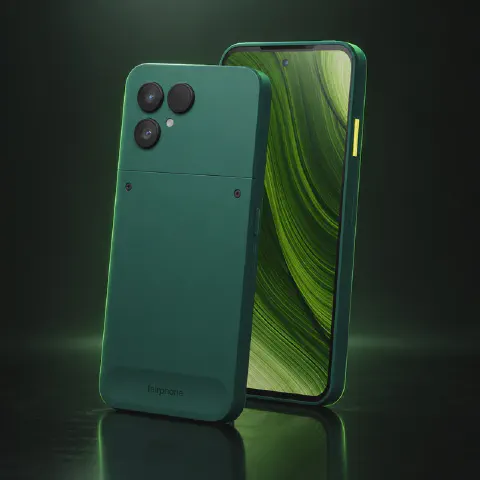
/e/OS preinstalled · repairable · no flashing needed
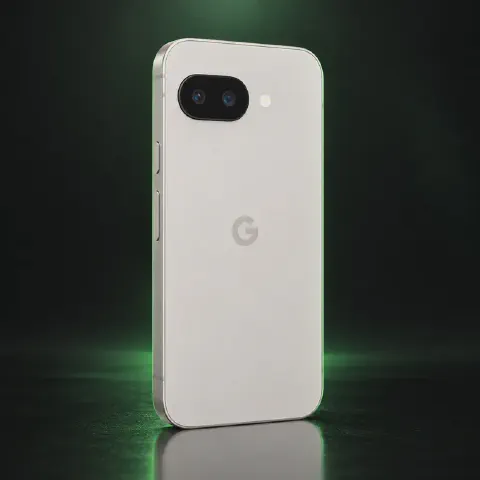
6.3" OLED · updates to April 2032 · GrapheneOS, CalyxOS, iodéOS or LineageOS
Buy buttons may be affiliate links: same price for you, a small commission for us. Side-by-side phone comparison · every private OS explained