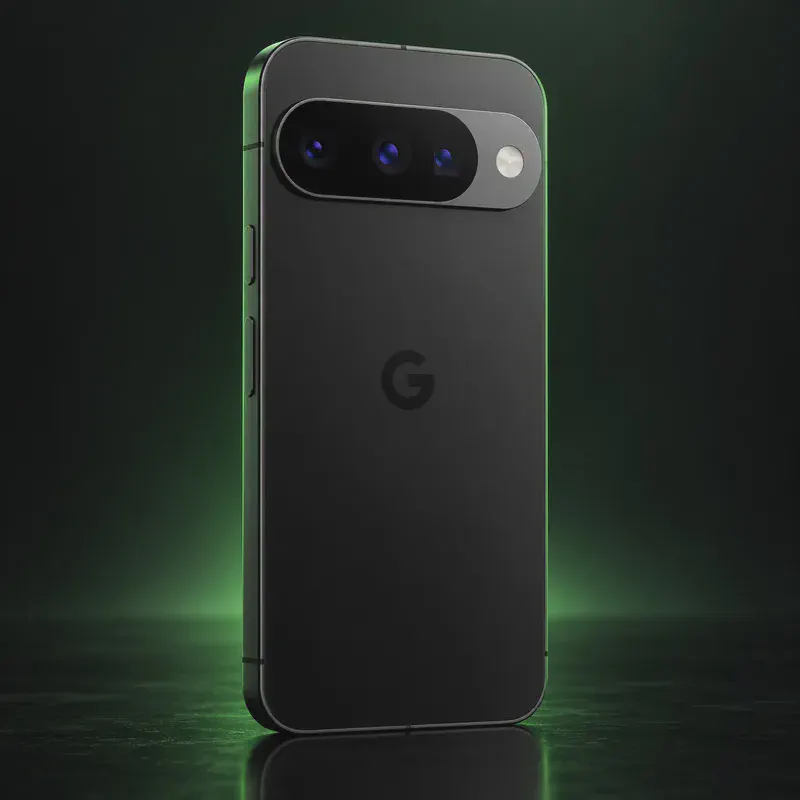
Above Phone
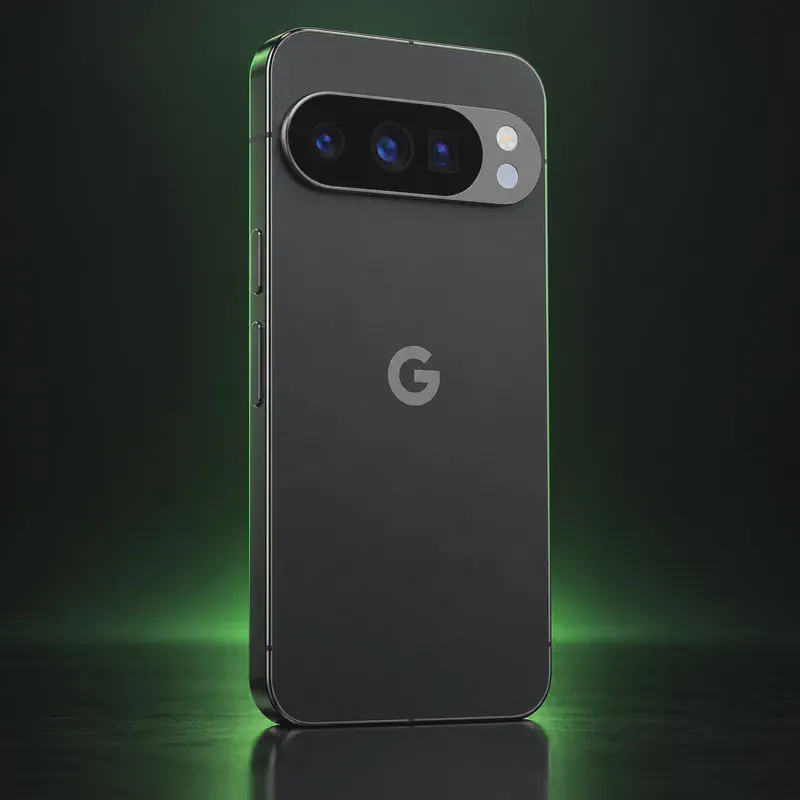
Above Phone is a privacy-device company that sells Google Pixel phones with GrapheneOS set up before they ship. Its homepage lists phones from $699 and describes them as de-googled, encrypted and ready to use out of the box. Above ships worldwide, naming the United States, Canada, Australia, Europe and the UK.
The main reason to pick Above over a do-it-yourself install is support. Every phone comes with a free 45-minute call with a support engineer, live email and chat help, and a complimentary session to move your data across. Above also sells an optional yearly bundle called Above Suite for $100, which adds a VPN, an above.im email address, a calendar, encrypted chat and calls, file sharing, video meetings and an internet phone number for an extra fee. You can keep your current carrier and number.
The trade-off is price and dependence on a reseller. GrapheneOS is free and its web installer takes about 20 minutes on a Pixel you buy yourself, and the GrapheneOS project says it doesn’t endorse any company selling preinstalled phones. If you buy, verify the boot key and set up the Auditor app.
Above Phone tech specs
| What it is | Google Pixel phones sold de-googled and encrypted with GrapheneOS, set up before delivery |
|---|---|
| Phone price | From $699 (Above homepage, October 2026) |
| Operating system | GrapheneOS (Above describes its phones as 'GrapheneOS phones') |
| Setup | Pre-configured out of the box |
| Included support | Free 45-minute call with a support engineer, live email and chat support, articles and video courses |
| Data migration | Complimentary call to help move your data |
| Carrier and number | Works with your existing number and carrier, including internet numbers |
| Optional subscription | Above Suite, $100 per year when bought with a device |
| What Above Suite includes | VPN, email at above.im, calendar, encrypted chat and calls, internet phone number (extra fees), file sharing, video calls, private search |
| Data-only eSIM | Above Data SIM, US plans from $18.99 for 5 GB |
| Shipping | Worldwide, including the United States, Canada, Australia, Europe and the UK |
| Security updates | Set by the Pixel model; GrapheneOS says Pixel 8 and later have at least 7 years from launch |
Strengths and drawbacks
Private operating systems for the Above Phone
One private system officially supports this exact model. The table compares them on the things that matter day to day; the install guides below walk through each one.
| System | Support | Privacy | Effort | Apps and Google |
|---|---|---|---|---|
| GrapheneOSGrapheneOS 2026100600 (Android 17) is the current stable release | Preinstalled | 10/10 | None · arrives installed | Sandboxed Google Play, optional |
- GrapheneOS: Above sells Pixels, which are GrapheneOS's only supported phones; updates come from the GrapheneOS project.
Not available for this model
- CalyxOS: Above sells GrapheneOS phones only; installing CalyxOS on the same Pixel would be a do-it-yourself reflash.
Privacy scores and effort levels are explained in how we score each system; the feature-by-feature OS table goes deeper.
Do you need to flash anything?
You shouldn't need to touch the bootloader: the phone arrives with GrapheneOS set up. A normal GrapheneOS install ends with the bootloader locked, and you can still unlock it later to return to stock Android or install another OS.
- On first boot, look for the yellow notice that the device is loading a different operating system; that is expected with GrapheneOS.
- Compare the ID on that screen with the official GrapheneOS key hash for your Pixel model on grapheneos.org.
- Set up GrapheneOS's Auditor app to check the phone's integrity over time.
- If you want a clean start, factory reset from recovery, as GrapheneOS advises for preinstalled phones.
- To go back to stock Android, follow GrapheneOS's guide: remove the non-stock key in fastboot, then flash Google's factory images and relock.
- GrapheneOS says it is not affiliated with and does not endorse any company selling phones with GrapheneOS, and recommends installing it yourself.
- We could not read Above's model pages (the site blocks automated reading), so check which Pixel model you're buying and how long Google supports it.
- Above Suite is a yearly subscription; the phone and GrapheneOS work without it.
- Avoid older Pixels: the GrapheneOS FAQ lists Google's minimum support for the Pixel 6 and 6 Pro as ending October 2026.
How to install a private OS on the Above Phone
Short versions of each project's official guide. Always keep the official page open while you work: it has the exact files for your model and changes faster than any summary.
Setting up GrapheneOSPreinstalled
What you need: A computer with a Chromium-based browser (Chrome, Edge or Brave), a good USB-C cable, about 20 minutes. Installing erases the phone, so back up first.
Apps: Sandboxed Google Play, optional: runs as an ordinary app with no special access.
- Update the stock Android first, then turn on OEM unlocking: Settings → About phone, tap Build number seven times, then Settings → System → Developer options → OEM unlocking (the phone needs internet once for this).
- Restart into the bootloader: turn the phone off, then hold Volume Down while pressing Power.
- Open the web installer on your computer, connect the phone, and click Unlock bootloader. Confirm on the phone with the volume keys and Power.
- Click Download release, then Flash release, and leave the cable alone until it finishes.
- Click Lock bootloader and confirm on the phone. Start it up, and turn OEM unlocking back off in Developer options.
- Optional: install sandboxed Google Play from GrapheneOS's own App Store if you need banking or other Play-only apps.
Who the Above Phone is for
People switching from an iPhone or a regular Android phone who want GrapheneOS plus a person to call for help. It fits buyers in North America who would rather pay for setup and support than install anything themselves.
Above Phone questions, answered
Do I need the Above Suite subscription?
No. Above sells the Suite as an optional $100-per-year add-on with a device. The phone runs GrapheneOS and gets its updates from the GrapheneOS project whether or not you subscribe.
Can I keep my phone number and carrier with an Above Phone?
Above says its phones work with any service and you can keep your existing number and carrier, including internet numbers. Check that your Pixel model supports your carrier's bands.
Is buying an Above Phone safer than installing GrapheneOS myself?
The software is the same. GrapheneOS's official advice is to buy a supported Pixel and install it yourself; if you buy preinstalled, verify the boot key hash, factory reset from recovery and use the Auditor app.
Sources
- Above Phone homepage (prices, support, Above Suite, shipping)
- GrapheneOS FAQ: supported devices and buying preinstalled phones
- GrapheneOS releases
- GrapheneOS web install guide (boot key hash, returning to stock)
Every fact on this page comes from the maker or the OS project's own pages, checked October 14, 2026. We don't claim hands-on testing. Found something out of date? Report a correction.