Purism Librem 5
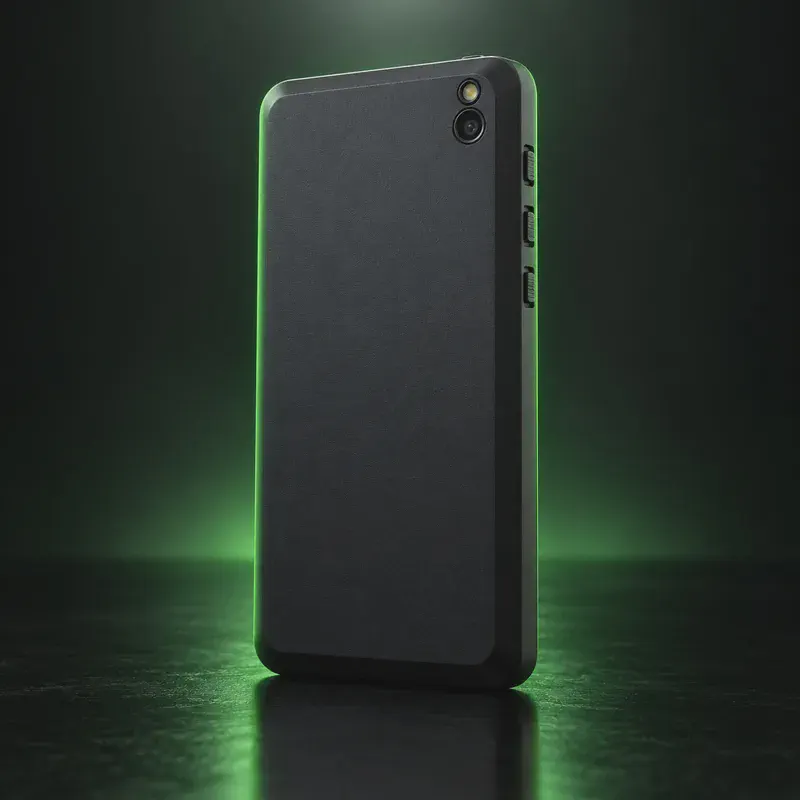
The Purism Librem 5 is a Linux phone from Purism, a US company that also makes Linux laptops. It runs PureOS, Purism’s own Debian-based system. That is not Android with Google removed. It is the same OS family Purism uses on desktops, with a phone shell (Phosh) on top. PureOS Crimson became the stable release in May 2026, and Purism promises updates for the life of the device.
Its main privacy features are hardware. Three physical kill switches cut Wi-Fi and Bluetooth, the cellular modem, and the microphone and cameras. Flipping all three also turns off GPS. The battery and the M.2 modem card can both be replaced, and a built-in smartcard slot can hold an OpenPGP card. The bootloader is free software, so you can also run Nura (formerly postmarketOS), whose wiki lists calls, data, GPS and the cameras as working.
The trade-off is value. $799 buys a 5.7-inch 720p screen, an older NXP chip, 3 GB of RAM and 32 GB of storage. Android apps need Waydroid, which Purism documents but does not support. As of October 2026 the phone is in stock with a roughly ten-business-day lead time.
Purism Librem 5 tech specs
| Released | 2020 |
|---|---|
| Display | 5.7-inch IPS TFT, 720 × 1440 |
| Chip | NXP i.MX 8M Quad, 4× Cortex-A53 up to 1.5 GHz; Vivante GC7000Lite GPU |
| RAM | 3 GB |
| Storage | 32 GB eMMC |
| microSD | Yes, up to 2 TB |
| Rear camera | 13 MP with LED flash |
| Front camera | 8 MP |
| Battery | 4,500 mAh, user-replaceable |
| Charging | USB-C Power Delivery; 18 W PD charger included |
| Kill switches | 3 hardware switches: Wi-Fi/Bluetooth, cellular, microphone + cameras |
| Modem | Broadmobi BM818 on a replaceable M.2 card (region-specific) |
| SIM | Single nano-SIM; no eSIM |
| Headphone jack | Yes, 3.5 mm |
| Smartcard reader | 3FF (micro-SIM size) slot, e.g. for an OpenPGP card |
| Other | No NFC, no FM radio; USB-C 3.0 with DisplayPort video out |
| Price | $799 (Purism shop, in stock, ~10 business days lead time) |
| Codename | librem5 (purism-librem5) (used on OS download pages) |
Strengths and drawbacks
Private operating systems for the Purism Librem 5
One private system officially supports this exact model (codename librem5 (purism-librem5)), plus one community build or port that works with less polish and slower fixes. The table compares them on the things that matter day to day; the install guides below walk through each one.
| System | Support | Privacy | Effort | Apps and Google |
|---|---|---|---|---|
| PureOSPureOS Crimson (stable since May 2026) | Preinstalled | 9.5/10 | None · arrives installed | Linux apps only |
| Nura (postmarketOS)Nura (formerly postmarketOS) v26.06 stable | Community port | 8/10 | Advanced · Linux tooling | Linux apps; Android via Waydroid |
- PureOS: Purism's own Debian-based OS. Byzantium phones get a 'PureOS Upgrade' app to move to Crimson, and Purism promises updates for the life of the device.
- Nura (postmarketOS): Listed in Nura's 'community' category with calls, SMS, data, GPS, cameras and full-disk encryption all marked working; you build your own image with pmbootstrap.
Not available for this model
- Ubuntu Touch: Not on the Ubuntu Touch device list as of Oct 2026.
- Sailfish OS: No official Sailfish OS image; Jolla does not list the Librem 5.
- GrapheneOS: GrapheneOS supports Google Pixel phones only.
Privacy scores and effort levels are explained in how we score each system; the feature-by-feature OS table goes deeper.
Do you need to flash anything?
Nothing is locked: the Librem 5 uses a free bootloader and Purism publishes the flashing script. Reflashing is done from a 64-bit Linux computer with Purism's librem5-flash-image tool.
- On a Linux PC, install git and uuu ('sudo apt install git uuu').
- Clone https://source.puri.sm/Librem5/librem5-flash-image.git, install its udev rules, and run './scripts/librem5-flash-image --stable'.
- When asked, power the phone off, set all three kill switches to off and remove the battery.
- Hold Volume Up, plug in the USB cable (red LED blinks), reinsert the battery (red LED stays on), then let go.
- Let the script finish, then boot the phone.
- Reflashing erases the whole eMMC. There is no on-device factory reset yet.
- The script assumes the 'Evergreen' batch; older Birch/Chestnut phones need '--board librem5r2' and Dogwood needs 'librem5r3'.
- Some USB-C cables only work in one orientation for flashing. If nothing happens, flip the plug.
- Purism picks the modem for your shipping region (North America, Europe, Asia/Australia). Tell them in the order notes if you will use it elsewhere.
How to install a private OS on the Purism Librem 5
Short versions of each project's official guide. Always keep the official page open while you work: it has the exact files for your model and changes faster than any summary.
Setting up PureOSPreinstalled
What you need: Nothing: the Librem 5 ships with PureOS. Reflashing it needs a Linux computer and Purism's flash script.
Apps: Desktop-style Linux apps adapted for phones; no Android apps unless you set up Waydroid.
- Turn the phone on and follow PureOS's first-run setup.
- Install apps from the PureOS Software store, which only lists free software.
- Use the hardware kill switches to cut the modem, Wi-Fi and Bluetooth, or the camera and microphone.
- Run system updates from the Software app or the terminal.
Installing Nura (postmarketOS)Advanced · Linux tooling
What you need: A computer, often a microSD card, and comfort with Linux. Check the device's page on the Nura wiki for its support category first.
Apps: Native Linux apps from Alpine Linux's repositories; Android apps only through Waydroid. Bootloader: stays unlocked with this build.
- Find your device on the Nura wiki (formerly the postmarketOS wiki) and check its support category: main, community or testing.
- Download the prebuilt image for your device and interface (Phosh, Plasma Mobile or Sxmo), or build one with pmbootstrap.
- Write it to a microSD card or flash it as the wiki page describes.
- Boot it, finish setup, and update packages with the Software app or apk.
Who the Purism Librem 5 is for
Privacy buyers who want a phone that runs normal desktop Linux and can physically cut its radios, camera and microphone. It suits people who mostly need calls, messages, email and a browser, and who will live without the Android app store.
Purism Librem 5 questions, answered
Can the Librem 5 run Android apps?
Not natively. Purism's PureOS docs explain how to install Waydroid, which runs Android apps in a container. Purism says it has no control over Waydroid or the apps and covers neither under warranty.
What do the Librem 5 kill switches turn off?
There are three: Wi-Fi/Bluetooth, the cellular modem, and the microphone plus both cameras. Purism says turning all three off also disables GPS.
How long will the Librem 5 get updates?
Purism promises security updates, bug fixes and new features for the lifetime of the device. It does not give a fixed end date. The current release is PureOS Crimson (May 2026).
Sources
- Purism — Librem 5 product page and hardware specifications
- Purism Shop — Librem 5 ($799, in stock)
- Purism — PureOS Crimson Development Report: PureOS Crimson Released
- Purism docs — Reflashing PureOS (Librem 5)
- Purism docs — Waydroid on PureOS
- Nura (formerly postmarketOS) wiki — Purism Librem5 (purism-librem5)
- Nura — Project rebrand announcement (blog index)
Every fact on this page comes from the maker or the OS project's own pages, checked October 14, 2026. We don't claim hands-on testing. Found something out of date? Report a correction.