NitroPhone
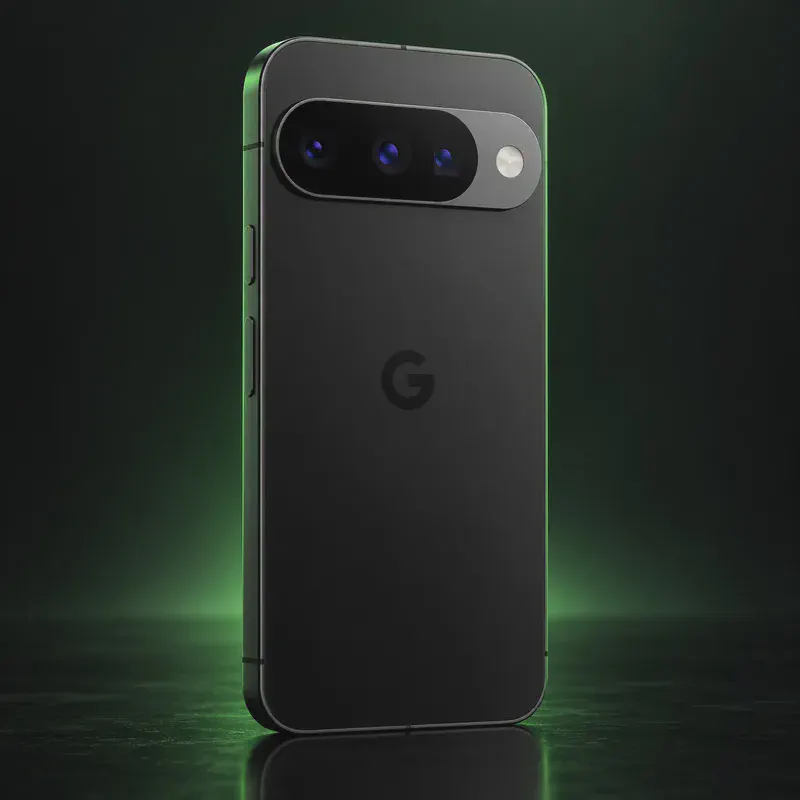
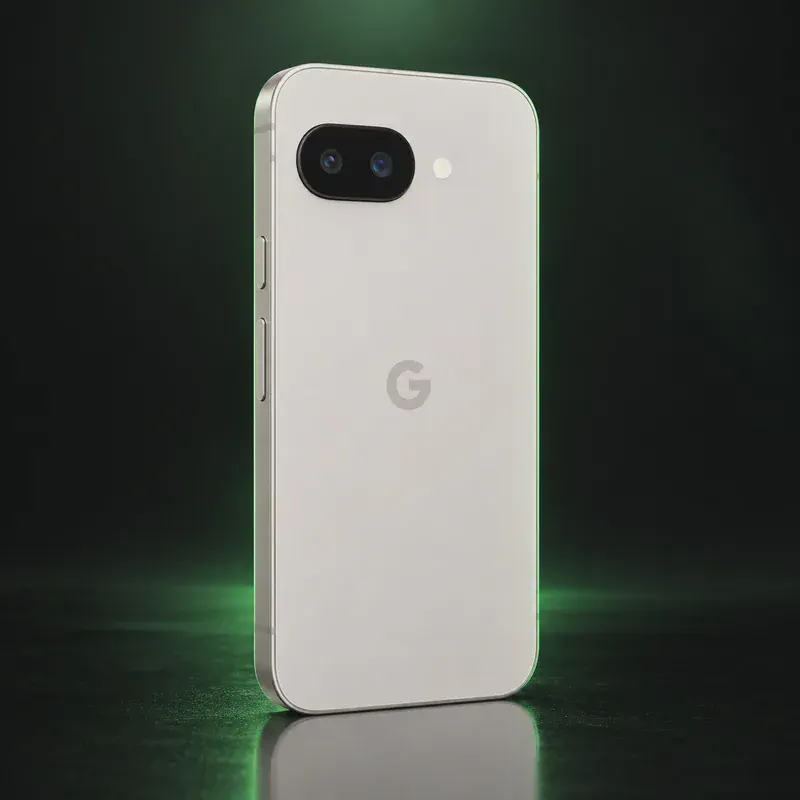
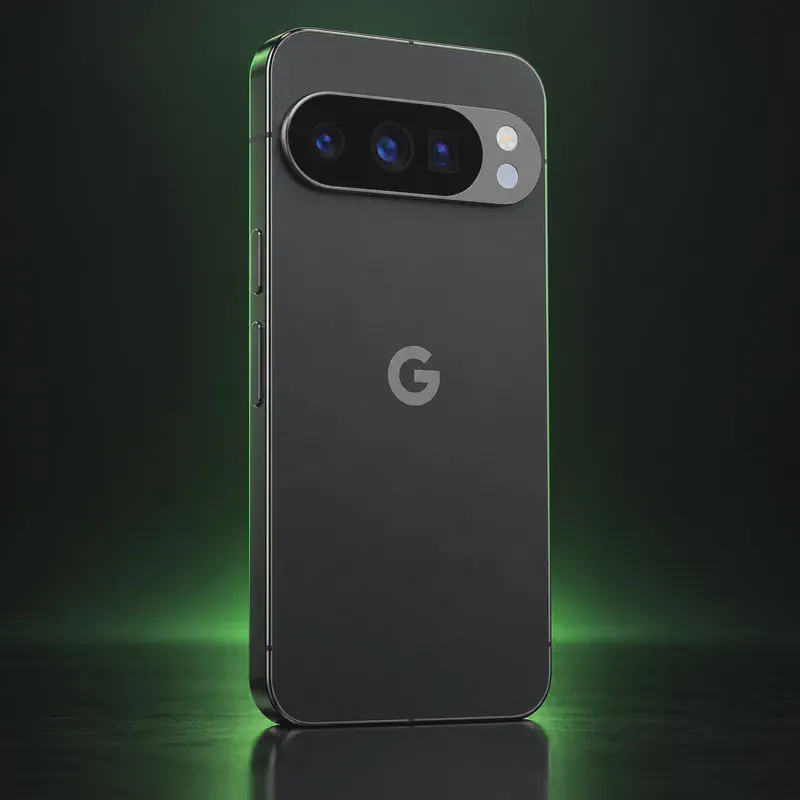
NitroPhone is Nitrokey’s name for Google Pixel phones that it sells with GrapheneOS already installed. The Berlin-based security company currently lists the NitroPhone 10a, 10, 10 Pro, 10 Pro XL and 10 Pro Fold, built on Google’s Pixel 10 family, plus the NitroPhone 5a, which is a Pixel 9a. Prices start at €599 for the 5a and €649 for the 10a, and the shop marks every model as available by inquiry.
The appeal is that the hard part is done for you. The phone ships in a sealed box with GrapheneOS on it and the bootloader locked to GrapheneOS’s own key, and Nitrokey points buyers to remote attestation to confirm the software hasn’t been altered. For an extra €300 it will physically remove the microphones, the front camera or all cameras. Delivery is worldwide with duties and taxes included in the price.
The trade-off is cost and trust. You pay more than you would for the same Pixel plus a free 20-minute install, and GrapheneOS states it isn’t affiliated with or endorsing any reseller. GrapheneOS advises checking the boot key hash and running its Auditor app on any phone that arrives preinstalled.
NitroPhone tech specs
| Released | Current line: NitroPhone 10 series (Pixel 10 family) and NitroPhone 5a (Pixel 9a) |
|---|---|
| Models sold | NitroPhone 10a, 10, 10 Pro, 10 Pro XL and 10 Pro Fold (Google Pixel 10 family) plus NitroPhone 5a (Pixel 9a) |
| Prices | From €599 (5a), €649 (10a), €819.01 (10), €999.01 (10 Pro), €1,299 (10 Pro XL), €1,999 (10 Pro Fold) |
| Ordering | Every NitroPhone is marked "By inquiry only" in the Nitrokey shop (checked October 14, 2026) |
| Storage options | 128 GB base; 256 GB costs +€150 (10a), +€190 (10) or +€140 (5a) |
| Operating system | GrapheneOS preinstalled; no Google Play services by default, sandboxed Google Play can be added |
| Hardware removal option | Microphones, the front camera or all cameras can be physically removed for +€300 |
| Delivery and verification | Ships in a sealed box; verified boot plus hardware-based attestation of the installed software |
| In the box (NitroPhone 10) | Phone, USB-C to USB-C cable, SIM tool, Nitrokey leaflet; no power plug |
| Shipping | Worldwide; price includes duties and taxes, some countries need an individual quote |
| Payment | SEPA transfer, credit card, PayPal, Bitcoin |
| Warranty | "Standard warranty"; the product pages give no duration |
| Security updates | Nitrokey states 7 years: until August 2032 (NitroPhone 10) and April 2032 (NitroPhone 5a) |
| Example hardware (NitroPhone 10a) | 6.3-inch 120 Hz OLED, Google Tensor, 8 GB RAM, Titan M2, IP68, 183 g, 1 nano-SIM + eSIM |
| Bootloader on arrival | Locked with the GrapheneOS key (the boot screen shows the yellow "different operating system" notice) |
| OEM unlocking setting | On by default; Nitrokey suggests switching it off for extra hardening |
| Codename | stallion (10a), frankel (10), blazer (10 Pro), mustang (10 Pro XL), rango (10 Pro Fold), tegu (5a / Pixel 9a) (used on OS download pages) |
Strengths and drawbacks
Private operating systems for the NitroPhone
One private system officially supports this exact model (codename stallion (10a), frankel (10), blazer (10 Pro), mustang (10 Pro XL), rango (10 Pro Fold), tegu (5a / Pixel 9a)). The table compares them on the things that matter day to day; the install guides below walk through each one.
| System | Support | Privacy | Effort | Apps and Google |
|---|---|---|---|---|
| GrapheneOSGrapheneOS 2026100600 (Android 17) | Preinstalled | 10/10 | None · arrives installed | Sandboxed Google Play, optional |
- GrapheneOS: Every model Nitrokey sells is on GrapheneOS's supported list; updates then come straight from the GrapheneOS project, not from Nitrokey.
Not available for this model
- CalyxOS: Nitrokey only ships GrapheneOS. The same Pixels are on CalyxOS's device list, but you would have to reflash the phone yourself.
- /e/OS: Not offered by Nitrokey; /e/OS is sold preinstalled by Murena on other hardware.
Privacy scores and effort levels are explained in how we score each system; the feature-by-feature OS table goes deeper.
Do you need to flash anything?
You don't need to unlock anything: the phone arrives with GrapheneOS installed and the bootloader locked with GrapheneOS's own key. The bootloader can still be unlocked later if you want stock Android or another OS back.
- On first boot, expect a yellow notice saying the device is loading a different operating system; Nitrokey's FAQ says this is normal for GrapheneOS.
- Compare the ID shown on that boot screen with the official GrapheneOS key hash for your Pixel model listed on grapheneos.org.
- Check the software's integrity with remote attestation (Nitrokey's FAQ points to attestation.app) or GrapheneOS's Auditor app.
- Optional: switch off OEM unlocking in Settings > System > Developer options.
- To go back to stock Android, follow GrapheneOS's guide: remove the non-stock key in fastboot, then flash Google's factory images with Google's web flashing tool and relock.
- GrapheneOS says it is not affiliated with and does not endorse any company selling phones with GrapheneOS; it recommends buying a Pixel and installing it yourself.
- For any preinstalled phone, GrapheneOS advises verifying the boot key hash, factory resetting from recovery and setting up the Auditor app.
- Nitrokey ships with OEM unlocking switched on; turn it off if you want the extra protection.
- Microphone or camera removal is a physical change and can't be undone with software.
- Nitrokey's NitroPhone 10a page says updates until August 2032, while GrapheneOS lists March 2033 as Google's minimum for the Pixel 10a.
How to install a private OS on the NitroPhone
Short versions of each project's official guide. Always keep the official page open while you work: it has the exact files for your model and changes faster than any summary.
Setting up GrapheneOSPreinstalled
What you need: A computer with a Chromium-based browser (Chrome, Edge or Brave), a good USB-C cable, about 20 minutes. Installing erases the phone, so back up first.
Apps: Sandboxed Google Play, optional: runs as an ordinary app with no special access.
- Update the stock Android first, then turn on OEM unlocking: Settings → About phone, tap Build number seven times, then Settings → System → Developer options → OEM unlocking (the phone needs internet once for this).
- Restart into the bootloader: turn the phone off, then hold Volume Down while pressing Power.
- Open the web installer on your computer, connect the phone, and click Unlock bootloader. Confirm on the phone with the volume keys and Power.
- Click Download release, then Flash release, and leave the cable alone until it finishes.
- Click Lock bootloader and confirm on the phone. Start it up, and turn OEM unlocking back off in Developer options.
- Optional: install sandboxed Google Play from GrapheneOS's own App Store if you need banking or other Play-only apps.
Who the NitroPhone is for
People who want GrapheneOS but don't want to touch a computer or a bootloader, especially in Europe. It also suits buyers who want microphones or cameras physically removed, which you can't do yourself without opening the phone.
NitroPhone questions, answered
Is a NitroPhone different from a Pixel with GrapheneOS I install myself?
The software is the same GrapheneOS release, and future updates come from the GrapheneOS project either way. What you pay extra for is the install, the sealed delivery, verification and the optional removal of microphones and cameras.
How long will a NitroPhone get security updates?
Nitrokey states seven years: until August 2032 for the NitroPhone 10 and April 2032 for the NitroPhone 5a (Pixel 9a). GrapheneOS lists Google's minimum for the Pixel 10a as March 2033.
Can I use banking apps or Google apps on a NitroPhone?
Google Play services are not installed by default, but GrapheneOS lets you add sandboxed Google Play as an ordinary app. Many apps work that way; Google Wallet tap-to-pay does not, though some non-Google payment apps can.
Sources
- Nitrokey shop: NitroPhone search results (models and prices)
- Nitrokey shop: NitroPhone 10a
- Nitrokey shop: NitroPhone 10
- Nitrokey shop: NitroPhone 5a (Pixel 9a)
- Nitrokey docs: NitroPhone FAQ
- Nitrokey docs: NitroPhone getting started
- GrapheneOS FAQ: supported devices and buying preinstalled phones
- GrapheneOS releases
- GrapheneOS web install guide (boot key hash, returning to stock)
Every fact on this page comes from the maker or the OS project's own pages, checked October 14, 2026. We don't claim hands-on testing. Found something out of date? Report a correction.