Pixel 8a with GrapheneOS: the easiest way out
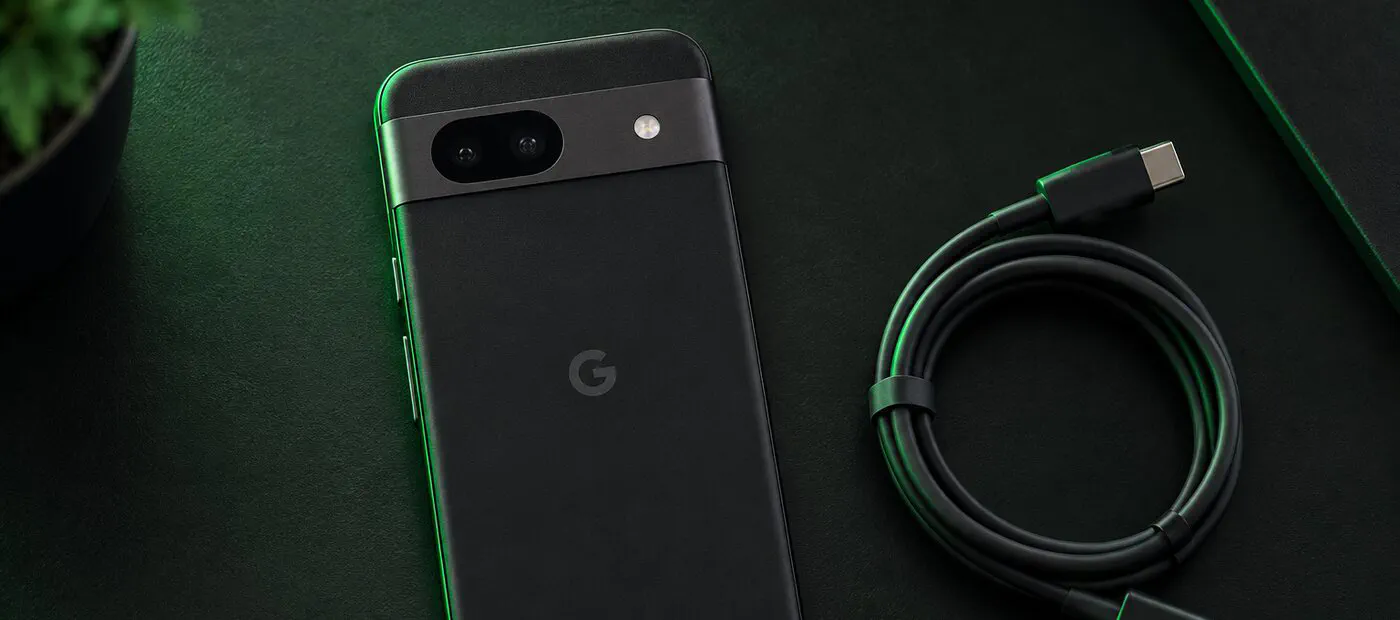
If you want a phone that doesn’t phone home, this is the one we recommend first. The Pixel 8a is affordable, gets security updates until 2031, and GrapheneOS installs from a web browser, with no command line.
This review is built from Google’s published specs and GrapheneOS’s own documentation and support lists. We don’t claim hands-on time with the phone; the scores are editorial ratings, not lab measurements.
Why it’s the easiest way out of stock Android
Three things make the Pixel 8a the shortest path from a Google phone to a private one.
First, GrapheneOS supports it officially, and the project’s own FAQ puts the 8a on its short list of phones it “strongly” recommends buying for GrapheneOS: the 8th-generation Pixels and newer. Second, the support window is long. The 8a’s manufacturer support runs to May 2031, and GrapheneOS keeps shipping updates while Google does. Third, the install needs nothing but a browser and a USB cable, and it ends with the bootloader locked again, so verified boot keeps working the way it does on a stock phone.
The hardware in brief
The 8a launched in May 2024 at $499 with Google’s Tensor G3 chip, 8 GB of RAM, a 6.1-inch 120 Hz OLED screen, a 4,492 mAh battery and IP67 water resistance. Two hardware features matter more on GrapheneOS than the spec sheet suggests:
- The Titan M2 security chip, which protects your PIN and encryption keys against brute-force guessing.
- Memory tagging support in the Tensor G3, which GrapheneOS turns on to catch a whole class of memory bugs that attackers rely on.
What works, and what doesn’t
With sandboxed Google Play installed, most apps behave the way they would on any Android phone: banking apps, messaging, ride-hailing, maps and push notifications. Google Play runs as an ordinary app, so it only gets the permissions you give it.
The exceptions are predictable. Google Wallet won’t run on any OS Google hasn’t approved, so US users carry a card; in the UK and EEA, Curve Pay or a bank’s own app can handle tap-to-pay. A small number of banking apps use Google’s strictest integrity check and refuse to start. Android Auto works on GrapheneOS, but it needs a few setup steps first.
Pixel 8a, Pixel 9a or a used Pixel 8?
All three run GrapheneOS with seven years of support from launch. The difference is how many of those years are left:
| Phone | Support ends | Who it suits |
|---|---|---|
| Pixel 8 (used or renewed) | October 2030 | The cheapest way in |
| Pixel 8a | May 2031 | Best balance of price and runway |
| Pixel 9a | April 2032 | Longest runway at a midrange price |
If the price gap to a new 9a is small where you live, the extra year of updates is worth having. If it isn’t, the 8a remains the sensible default.
One more way to think about it: the 8a costs less than most flagships while getting the same length of support from launch, which is why it stays our first suggestion for people leaving stock Android.
Before you buy
- Buy a carrier-unlocked phone. US Verizon Pixels have a bootloader that can’t be unlocked, so GrapheneOS can’t be installed.
- If you buy renewed, check Settings → System → Developer options → OEM unlocking before the return window closes. Greyed out means it’s carrier-locked.
- Boot it once and install any pending system update before flashing.
- Follow our browser install walkthrough, then the private app starter pack.
Quick answers
Do I need a Google account? No. Sandboxed Google Play is optional, and many apps work without signing in.
Can I go back to stock Android? Yes. Google’s own Android Flash Tool reinstalls the factory image from a browser.
Will updates arrive automatically? Yes. GrapheneOS updates install in the background and apply on the next reboot.
Is a used 8a a good idea? Yes, if it is carrier-unlocked and the battery is healthy. Check that OEM unlocking can be switched on before you pay, or buy from a seller with an easy return policy.
Who it's for
Anyone leaving stock Android for the first time, and small teams that need working banking and messaging apps without a Google account. If you want a Linux phone instead, look at the Jolla C2 in our side-by-side phone comparison.